User manual
“DTR - 7142
”
59
ENGLISH
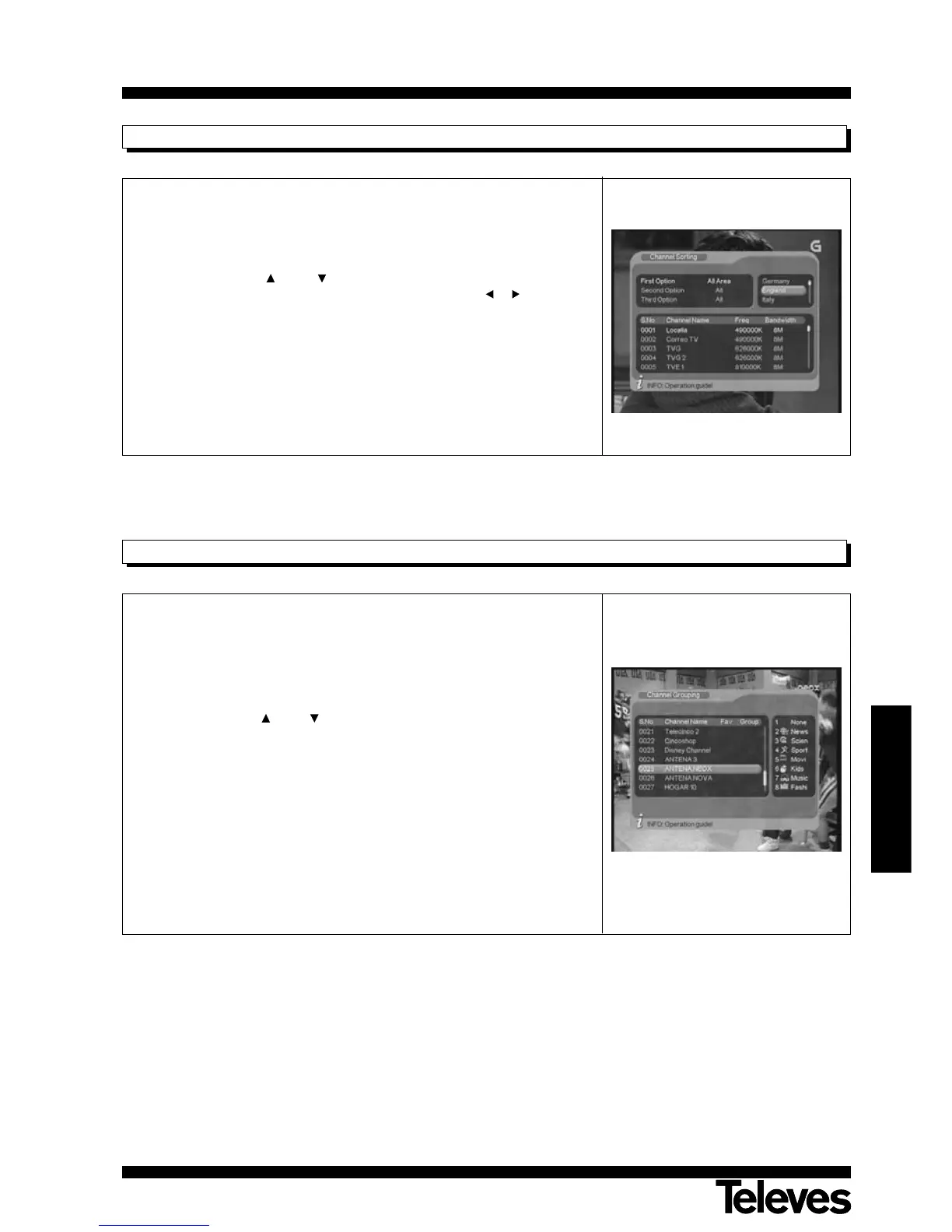
12.1.2.- Channel Sorting
There are three ways to organize a program list.
The whole area (by region); All Area, Free (FTA), Scramble; by alphabetical
order (A-Z or Z-A), LCN+ and LCN-.
- Using the buttons CH+ / CH- select the program organizing method
you choose from those available and using buttons / select the
parameter for each option.
- Press button OK to confirm your organization choice.
Note: To organise programmes by LCN+/-, this option must be activated.
12.1.3.- Channel Grouping
This option enables you to group the programs by content topic. The
available topics are: None, News, Science, Sports, Movie, Kids, Music and
Fashion.
You will view the channels grouped by topic on pressing the LIST button.
- Using the buttons CH+ / CH- select the channel you want to include in
a group, then press one of the number keys on the remote from 1 to 8
coinciding with the name of the desired group. The icon of this group will
appear beside the program name.
- Press button EXIT to leave the menu and confirm the grouping action.
NOTE: A program that is grouped on one of these lists will no longer be
available on the general list.



 To Next Page