User manual
“DTR - 7142
”
56
10.- TimeShift function
To make this function possible, you must have an external disk or a
pen drive (memory stick) with FAT 32 format, which must be
connected before supplying the receiver.
Memory cards (SD/MS/MMC) do not support this function.
Timeshift is the time that passes between the video in real time and the
video recorded in the hard disk.
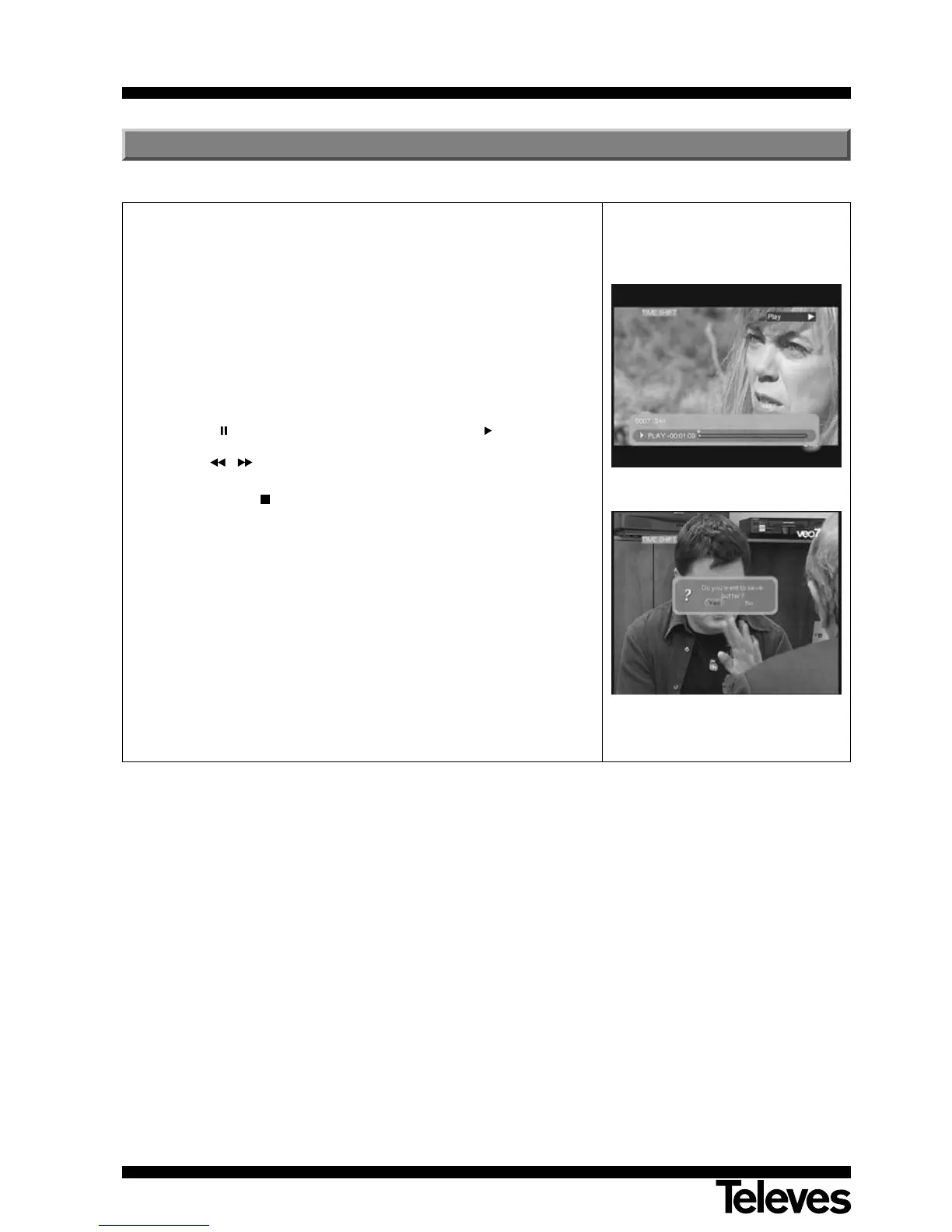
- Press the TIMESHIFT key while you are watching a TV programme. The
“TIMESHIFT” indication will appear on the screen. From that moment
on, all the information will be being stored in the receiver´s memory.
- Press the key if you want to stop the image and the key to continue
watching the programme starting at same point where you had stopped.
Use the / keys if you want to adjust the time bar to search certain
scenes.
- Press the TEXT key to stop the TimeShift function and return to play
in real time.
- Before finishing this function, a window will appear asking you if you
wish to save in the disk the recordings from the TimeShift function.
NOTES:- The maximum time assigned to this function will depend on the
size of the external disk connected to the unit.
- During the TimeShift function subtitles and teletext will not be
available.
- During the TimeShift function you cannot change programmes.
You must stop this function before changing them.



 To Next Page