User manual
“DTR - 7142
”
51
ENGLISH
Mode selection
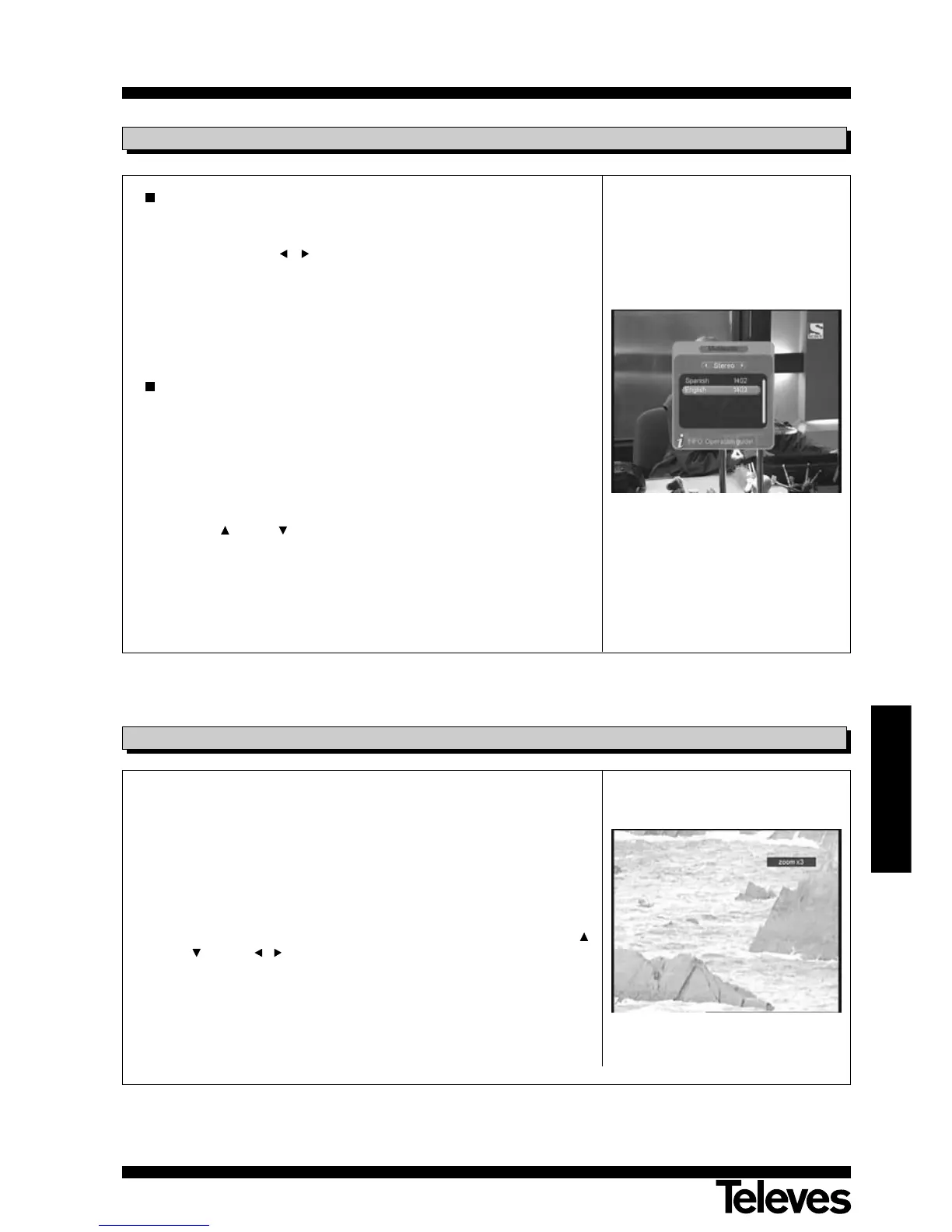
- Press the AUDIO button on the remote control to enable the emerging
“Multi-audio” menu.
- Using the buttons / you may select the audio configuration mode
(Left, Right or Stereo).
- Press button OK to confirm your selection, or else press button EXIT
leaving the menu unchanged.
Language selection
Some channels are broadcast with several audio options. This function
depends on whether the broadcast includes this information in the signal
sent by the operator.
- Press AUDIO on the remote control enabling an emerging “Multi-audio”
menu.
- You may select the audio language from among those available, with
buttons CH+ / CH- (however, if the broadcast is in only one
language, no change is possible).
- Press button OK to confirm your selection, or else press button EXIT
leaving the menu unchanged.
6.6.- Audio Menu
This function enables you to zoom in or out on the full-screen picture you
are viewing at the moment .
- Each time you press ZOOM button, the zoom factor changes in this
sequence: zoom x2, zoom x3, zoom x4, zoom out 1/2, zoom out 1/3,
zoom out 1/4 and zoom off.
The “zoom x” sequence will gradually blow up the image, while “zoom
out” will progressively shrink it.
- To browse through hidden parts of the blown up image use the buttons
CH+ / CH- and / .
- To exit the Zoom option, press button ZOOM repeatedly up to “Zoom off”.
NOTE: Bear in mind that as you go increasing the zoom factor, the image
quality will progressively deteriorate.
6.7.- Zoom Function



 To Next Page