User manual
“DTR - 7142
”
54
This receiver will enable you to choose among all the Teletext and/or
subtitling options provided by the service supplier.
Teletext
- Press button TEXT on the remote control to enable Teletext and press
OK.
- The teletext services will be displayed in the usual way.
- Even if your TV set does not possess a Teletext decoder, you may view
it on screen, since the receiver generates it automatically.
- The receiver control has colored keys enabling rapid access to Teletext
pages.
- To leave Teletext press button EXIT.
Subtitles
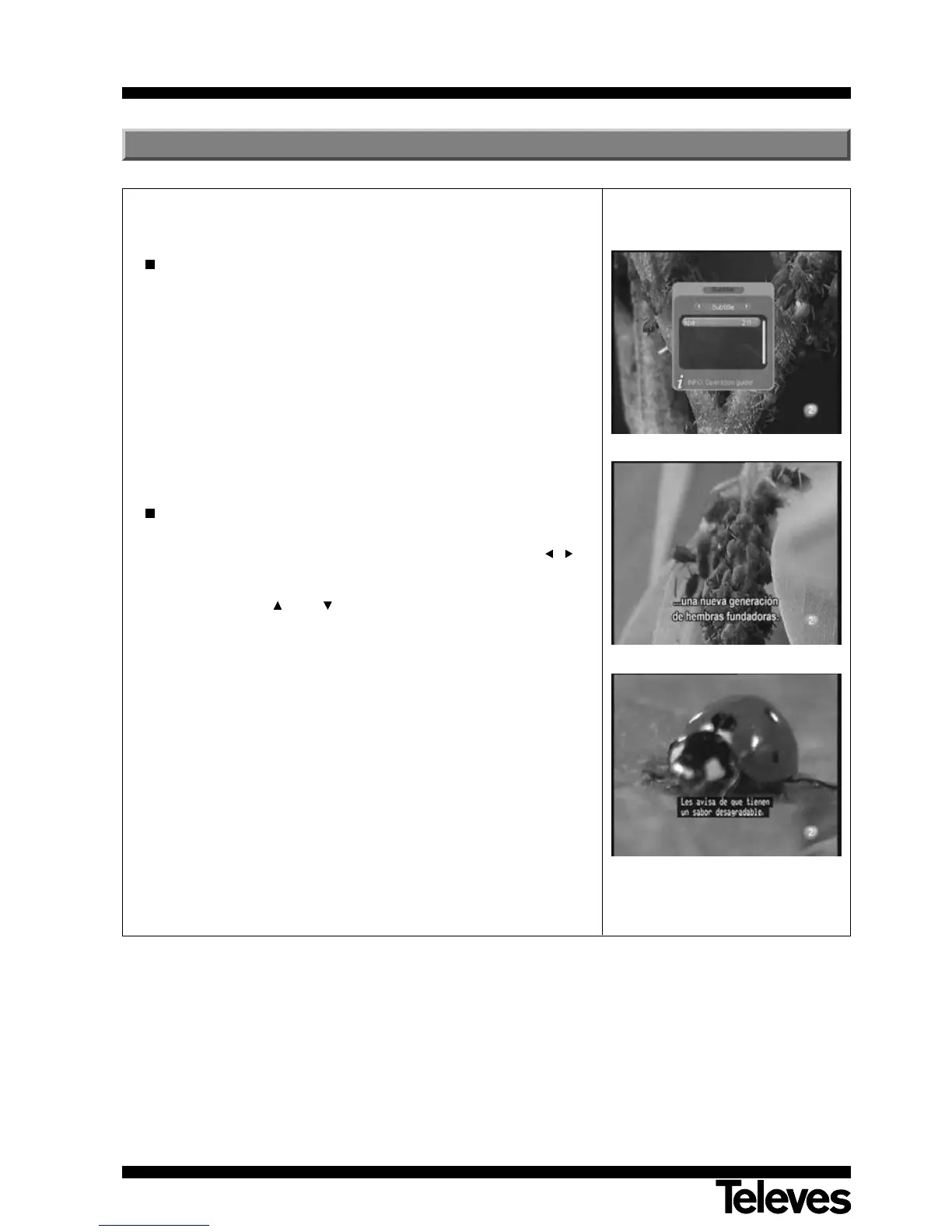
- Press button SUBT on the control to enable subtitles.
- Select the options “Subtitle” or “TXT-Subtitle”, using the buttons / to
show the subtitle text. If you wish to eliminate subtitling, select the “Off”
option.
- Using the buttons CH+ / CH- you can select the language in which
the teletext is displayed (the option is available if the service supplier
provides this information).
- The subtitling services will be visible on the lower part of the screen.
NOTE: Not all service suppliers provide this kind of information.
8.- Teletext / Subtitles



 To Next Page