User manual
“DTR - 7142
”
60
12.1.5.- Delete All
Using this menu, you can erase the TV or Radio programs.
- Click the OK button on the option “Delete all”. You will be asked to insert
the access PIN code. By default: 0 0 0 0.
- Using the buttons CH+ / CH- select between erasing All TV Programs
and All Radio channels.
- An emerging window will ask you to confirm your decision to erase all
programs. Select YES and press OK to confirm.
- Press button EXIT to leave the menu.
12.1.4.- Edit Channels
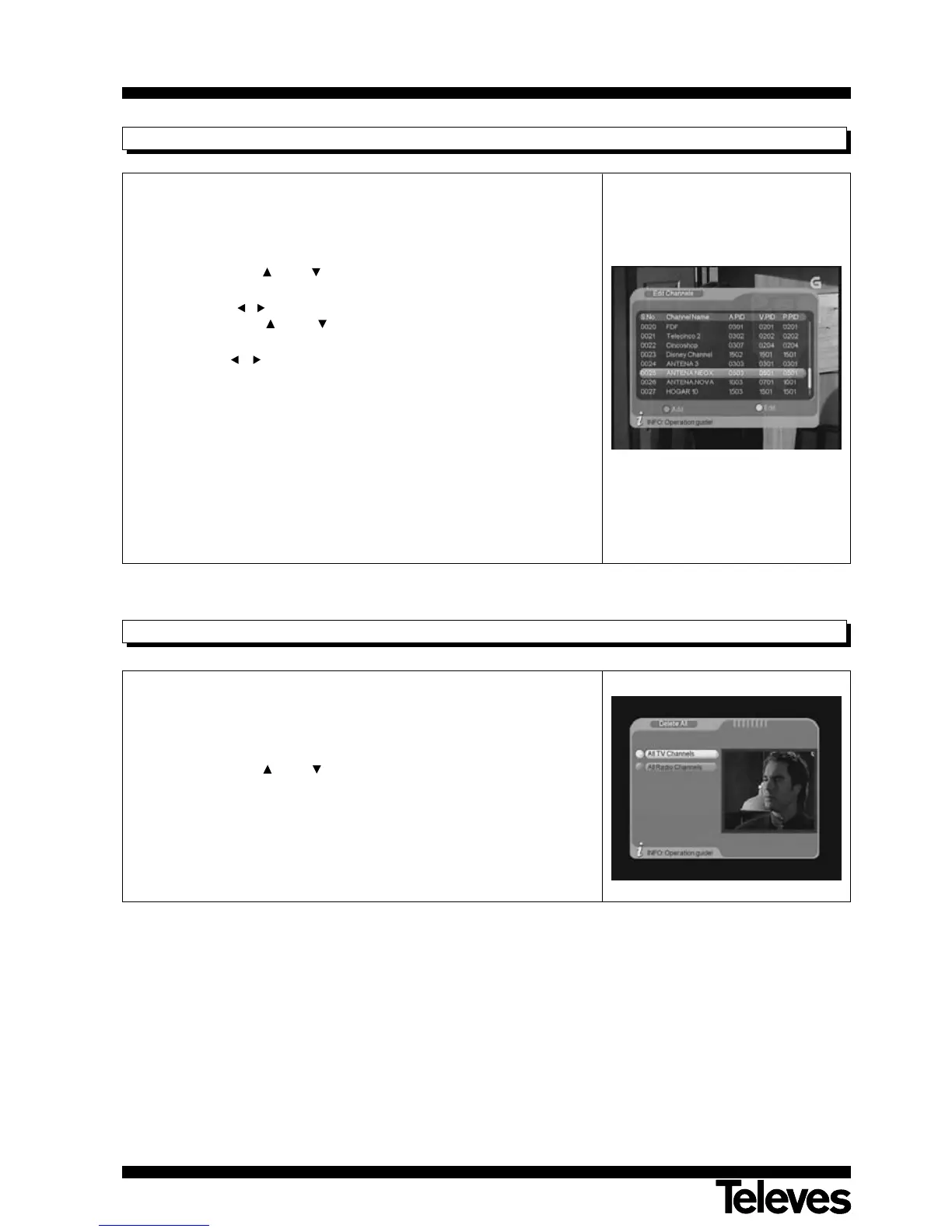
Using this menu you can add new programmes to the list, or modify
features of the existing programmes.
- Press the red button to enter the sub-menu “Add programs”.
- Using the buttons CH+ / CH- you can browse through the parameters
defining the new program.
- Press buttons / to switch to the option ranges for each parameter and
using the buttons CH+ / CH- select the one you wish. Press OK to
confirm.
- Click button / on the parameter “ChannelName”. It will produce an
emerging menu where you can create a name for the program.
- Click the yellow button on a program from the list to edit the parameters
by: Name, PID Audio, PID Video and PID PCR. Press OK to confirm the
changes.
- Press button EXIT to leave the menu.



 To Next Page