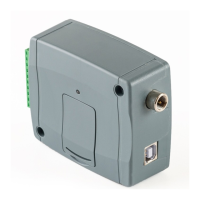
• The Gate Control BASE device does not keep continuous connection with the cloud, it only
connects to the server upon request. Therefore, before trying to connect remotely to the
device, the request for connecting to the cloud should be sent by SMS to the phone number
of the SIM card installed in the device.
CONNECT#
The device accepts the command for connecting to the cloud from Admin and Super admin
users only. If the command is sent from any other phone number, the device will ignore the
request and will not send a reply.
Send the request command for connecting to the cloud (CONNECT#) by SMS to the
phone number of the SIM card installed in the Gate Control BASE and wait for the device’s
reply. As soon as the device connects to the cloud, it will send the following reply:
Connected to (IP address:port number)
ID=(device identifier)
The device will stay connected to the cloud for 10 minutes and thereafter, in case of
inactivity it disconnects automatically. Therefore, you have 10 minutes to connect to the
device remotely, after it sends the reply message.
If no reply is received from the device within 1 or 2 minutes, please make sure that the
settings are correct and the circumstances of sending the command for connecting satisfy
the conditions mentioned above.
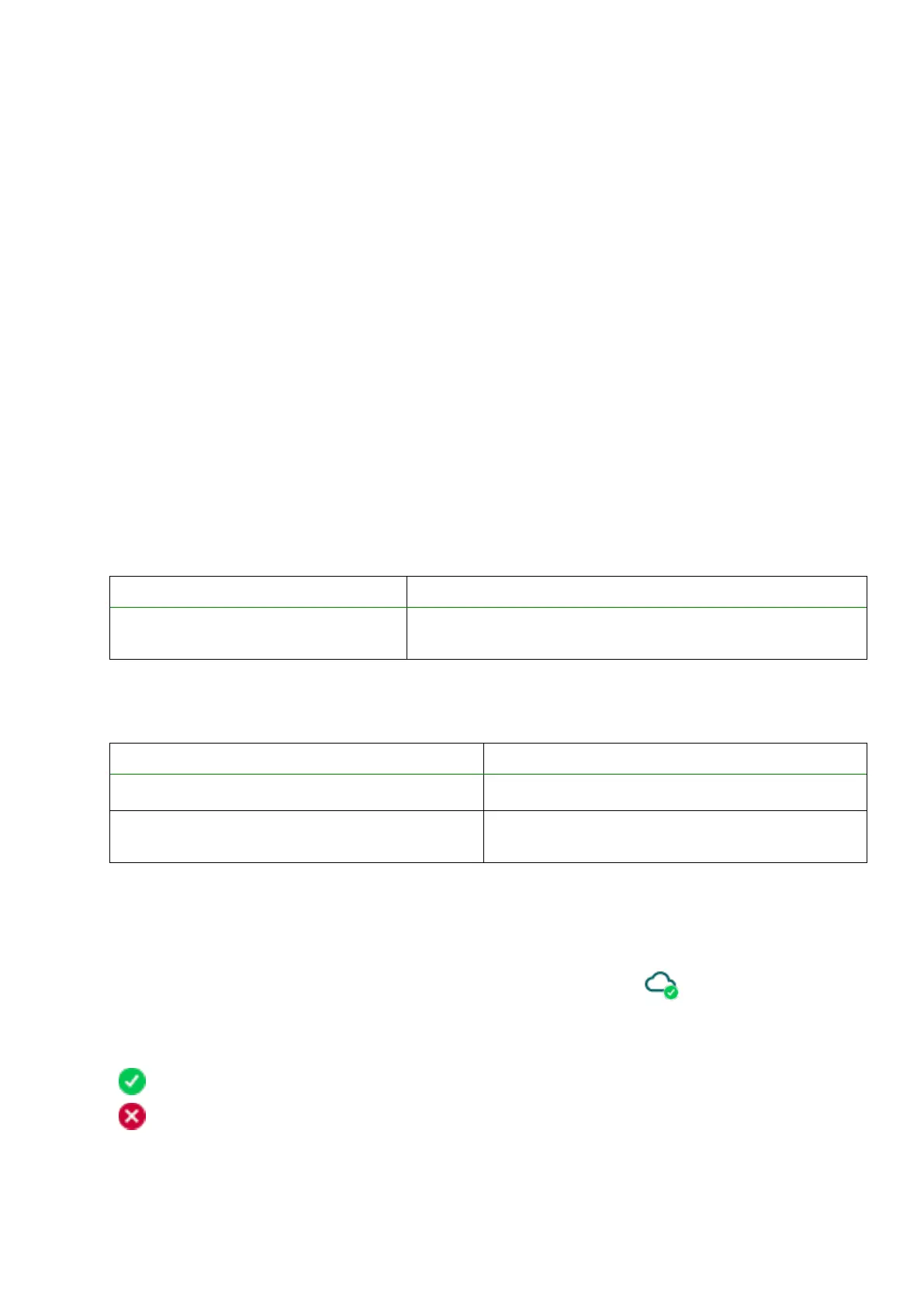
Possible error messages:
The device is unable to connect to the Internet due to
an error, wrong settings, or missing Internet service.
If the APN is not configured, or the configured value is wrong, the Super administrator user
can configure this using the following SMS commands (the Admin user has no permission to
configure device settings):
Example on the use of the commands mentioned above:
APN=internet#
APN=net,guest,guest#
• After receiving the reply from the device, click on the “Connect” button and wait for the
connection to establish. The connection process may take a few seconds.
• The connection status is shown in the status bar found at the bottom of the program window:
: Connected (green)
: Disconnected (red)


 To Next Page