53
Sidekick
®
Plus Test Set
Noise Spectral Analysis
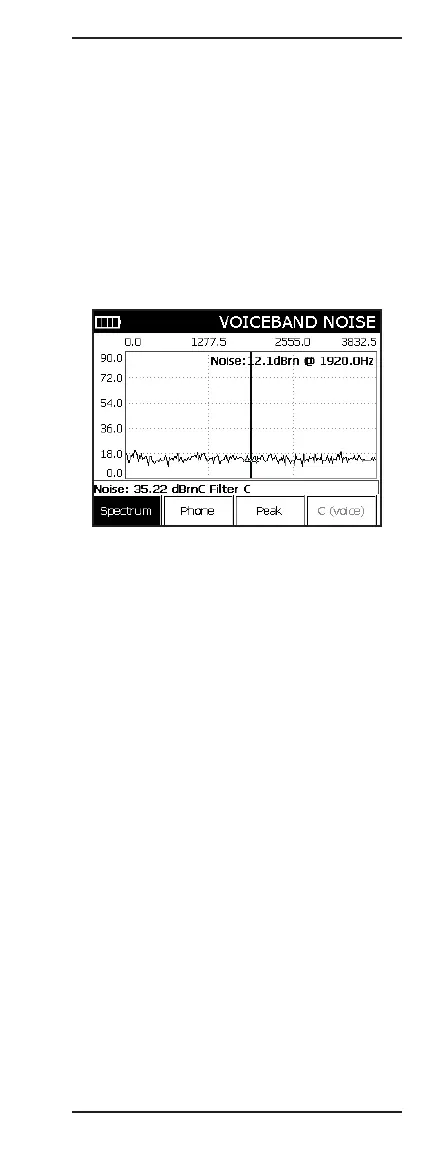
This measurement shows the background Noise on the
circuit across the voiceband up to 4 kHz. To use the
Noise Spectrum Analyzer, perform the following:
1. Connect the test leads: black to tip, red to ring, and
green to ground.
2. Select the Noise display using the up (2) and down
(8) keys.
3. Dial a quiet termination or use the one already
established for the Power Influence tests.
4. Once connected, select F1 Spectrum to enter the
spectrum analyzer.
The following function keys are available in this screen:
• F1 Spectrum returns to the summary screen.
• F2 Phone allows the user to dial a number.
• F3 Peak enables a peak-hold function to capture fast
moving signals.
The
*
key will display a marker and allow the user
to navigate to point of interest. The # key pauses the
display until it is pressed again.



 To Next Page