77
Sidekick
®
Plus Test Set
APPENDIX A: STARTUP
When the Sidekick
®
Plus test set is used for the first
time, the user has the option to set several options.
These options are described on each of the following
screens.
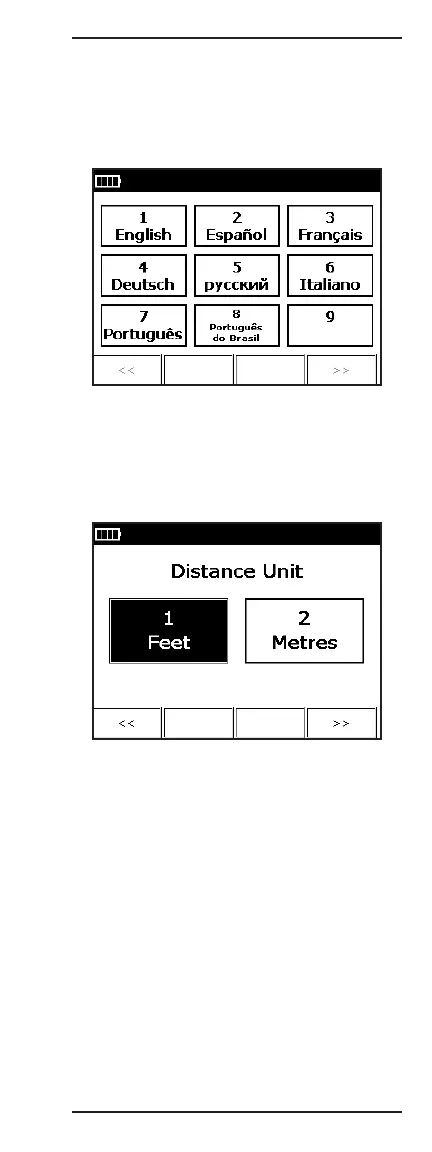
The first screen allows the user to select the display
language. The choices are English, Spanish, French,
German, Russian, and Italian. Press the number on
the keypad for the desired language (for instance, 1
for “English”), and then press F4 to move to the next
option.
The second option selects the default distance unit.
The user can select either “Feet” or “Metres”. Once
an option is selected, press F4 to continue to the
next option. (To move back to previous configuration
screens, press F1).



 To Next Page