98
Sidekick
®
Plus Test Set
Navigating Test Results
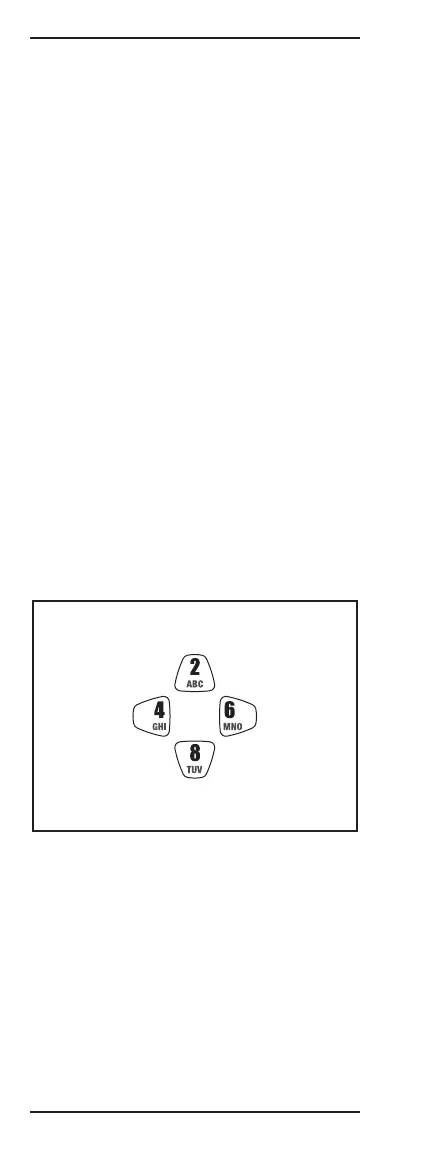
Navigating the test results can be accomplished either
by using the arrow keys (2, 4, 6, 8) or by jumping to a
certain test result with the F4 soft-key. The F3 soft-key
can be used to switch from pair 1, pair 2, and group in
bonded mode.
The results are organized from low to higher level of
testing:
High:
FTP
HTP
Traceroute
Ping
Test results above are shown only if authentication
issuccessful
Upper Layer Status
Connection Information
QLN
SNR
Bits
Hlog
Band Status (in VDSL)
Errors
Showtime
Status
Low:
The following diagram shows how to navigate the
multiple results (and pairs in bonded mode).
Higher Level
of Testing
Lower Level
of Testing
Lower Pair
Number
*
Higher Pair
Number
*
*
Bonded mode only



 To Next Page