89
Sidekick
®
Plus Test Set
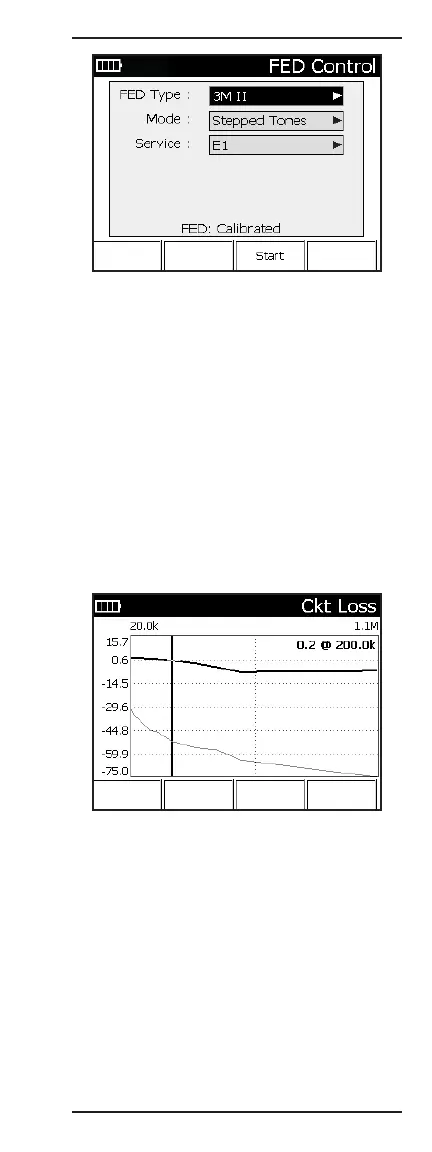
• FED Type: Select the type of FED.
• Mode: Select Single Tone or Stepped Tones.
• Service: Select the xDSL service.
• Calibration: To eliminate impedance mismatches,
the FED and test set cables should be calibrated.
Calibration Status:
• Not Calibrated – To calibrate, go to FED Cal under
Cord Calibration in the TOOLS Menu.
• Calibrated – No further calibration needed.
After the test has completed, press F1 Show Graph
to view the Wideband Slope graph. Use the left (4)
and right (6) arrows to move the cursor. The Loss and
frequency values are shown in the upper right corner
of the graph.



 To Next Page