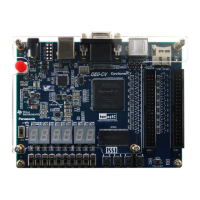
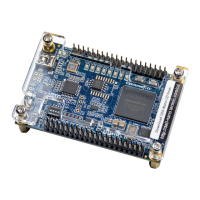
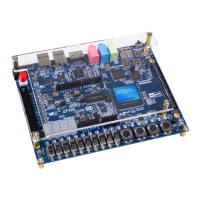
◼ Configure the FPGA in JTAG Mode
The following shows how the FPGA is programmed in JTAG mode step by step.
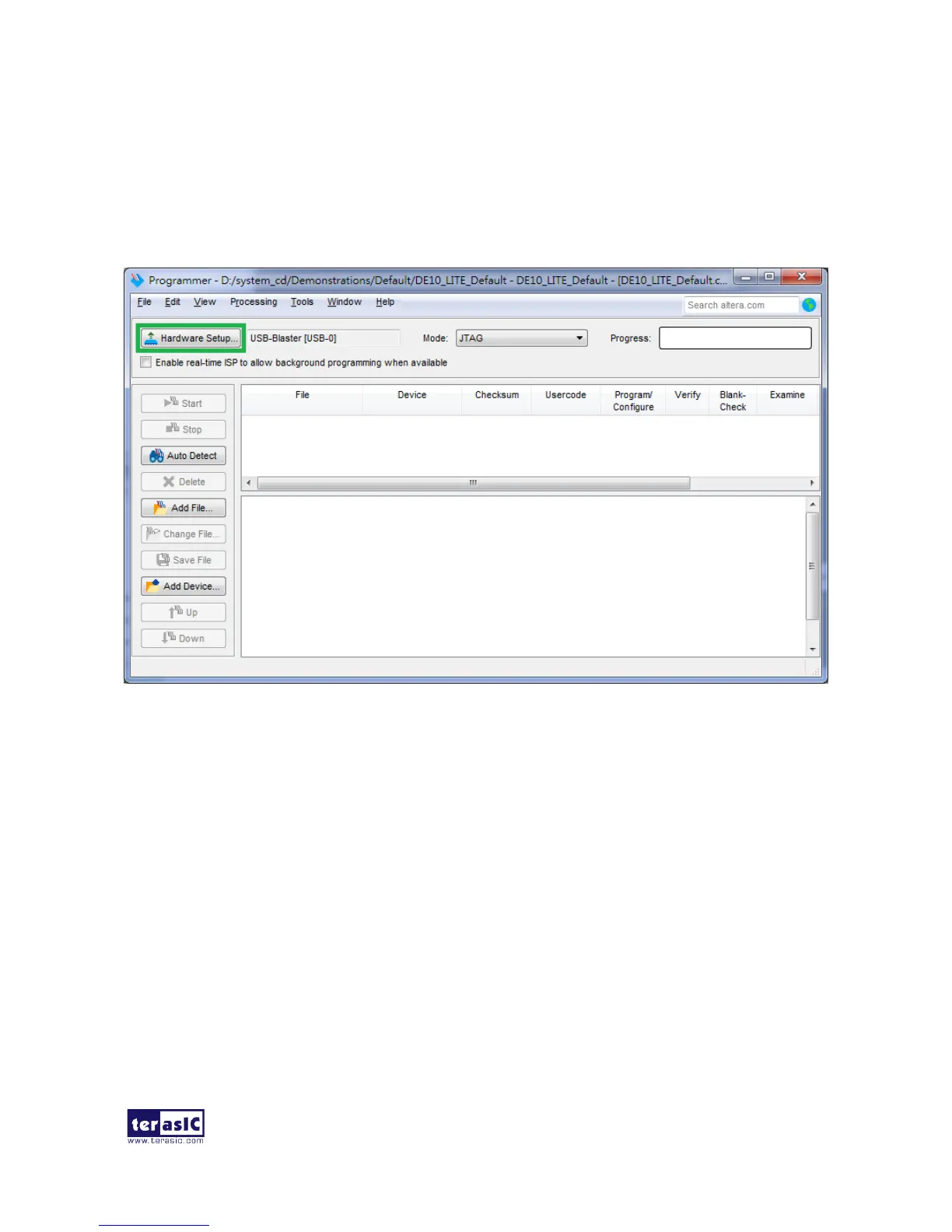
1. Open the Quartus II programmer, please Choose Tools > Programmer. The Programmer
window opens. See Figure 3-2.
Figure 3-2 Programmer Window
2. Click “Hardware Setup”, as circled in Figure 3-2.
3. If it is not already turned on, turn on the USB-Blaster [USB-0] option under currently selected
hardware and click “Close” to close the window. See Figure 3-3.


 To Next Page