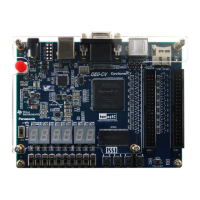
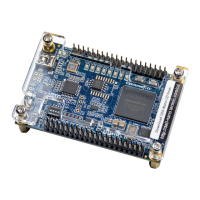
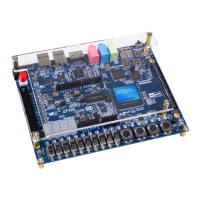
• Connect the DE10-Lite board (J3) to the host PC with a USB cable and install the USB-Blaster
driver if necessary.
• Execute the demo batch file “ test.bat” from the directory \Default\demo_batch\
• You should now be able to observe the 7-segment displays are showing a sequence of characters,
and the red LEDs are blinking. When putting SW0 to high position and swing the board, the red
LEDs will act like gradienter.
• Press KEY0 to make red LEDs and 7-segment all light up.
• If the VGA D-SUB connector is connected to a VGA display, it would show a color picture.
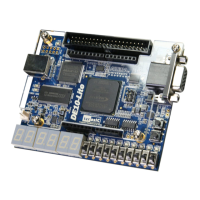
Connect the DE10-Lite board (J3) to the host PC with a USB cable and install the USB-Blaster
driver if necessary.
Execute the demo batch file “program.bat” from the directory \Default\demo_batch\
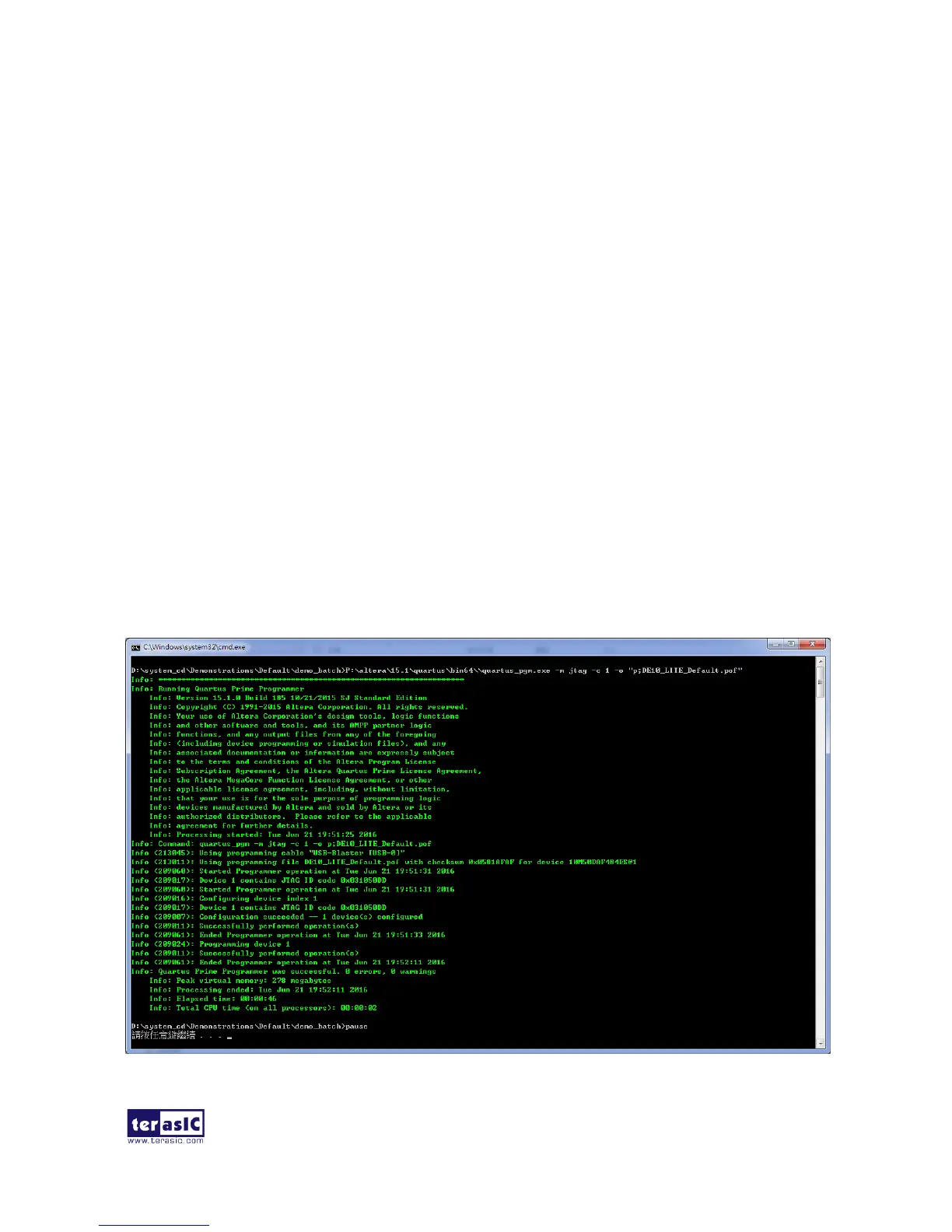
After the program is executed successfully, the program message as shown in Figure 5-1. Please
press any key to continue and the window will be closed.
Figure 5-1 Quartus II Program MAX 10 CFM message


 To Next Page