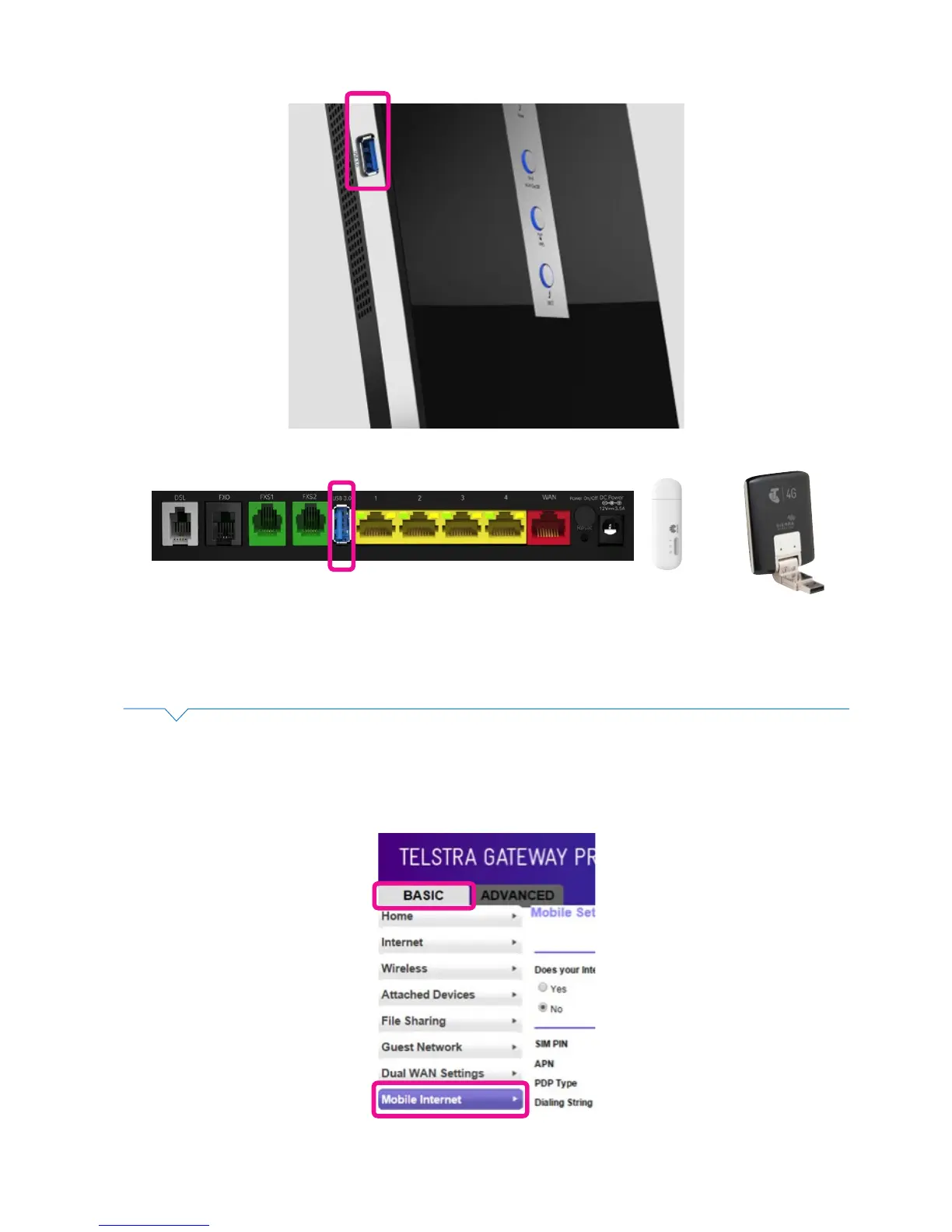
Figure 38: USB Port for Mobile Broadband Backup on side or back of device
Figure 39: Basic Menu Mobile Internet
Once you have connected your Mobile Broadband device to the USB port, access and congure it in the
Telstra Gateway Pro™ Control Panel by completing the following steps:
• To access the Gateway Control Panel page go to 192.168.15.1 in your browser and navigate to
Basic ->Mobile Internet.
Or



 To Next Page