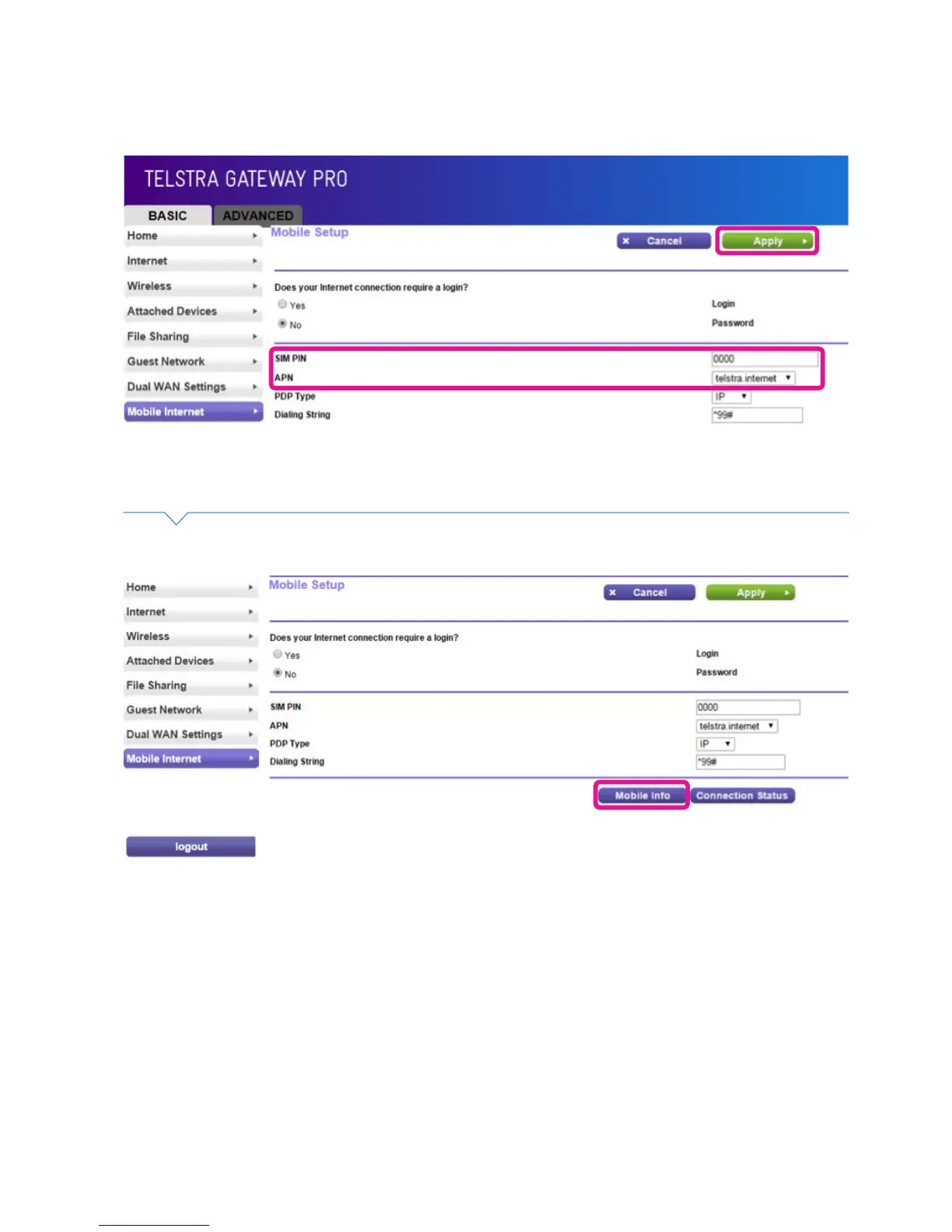
• If there is a SIM PIN enabled on your Mobile USB device, enter it into the SIM PIN eld.
Select the correct APN for your device then click Apply.
Figure 40: Mobile Internet Setup Information
Figure 41: Mobile Info Button
• To check that the mobile broadband device has initiated, click Mobile Info.



 To Next Page