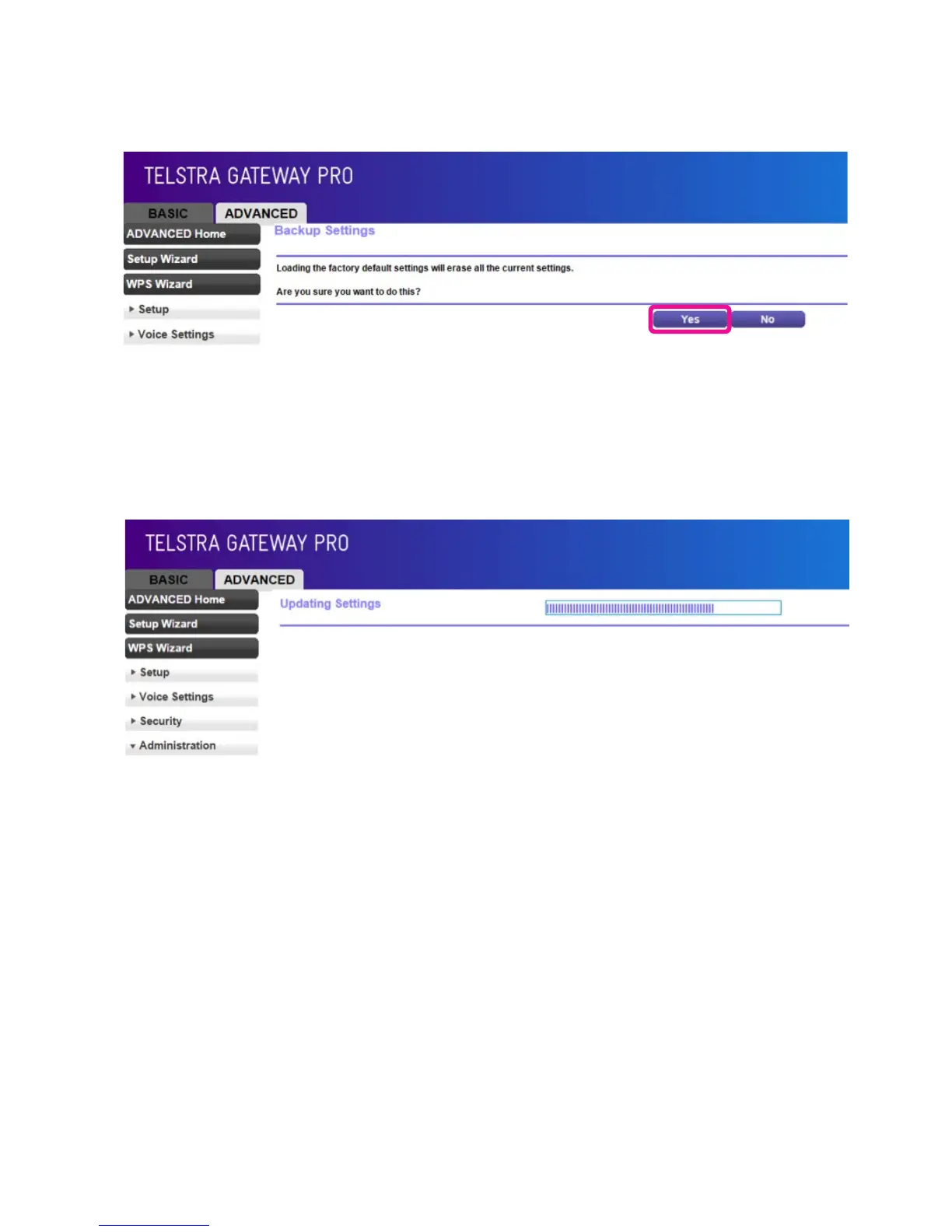
• A conrmation screen will load. If you are sure you wish to erase all of the settings on the Gateway,
and reset to factory settings, click Yes.
• The Reset Progress bar will appear. Once this reset bar has completed, the Gateway will reset and
reboot. You will be returned to the Gateway login screen.
Figure 63: Revert To Factory Default Settings
Figure 64: Reset Progress Screen



 To Next Page