4 Product description
13
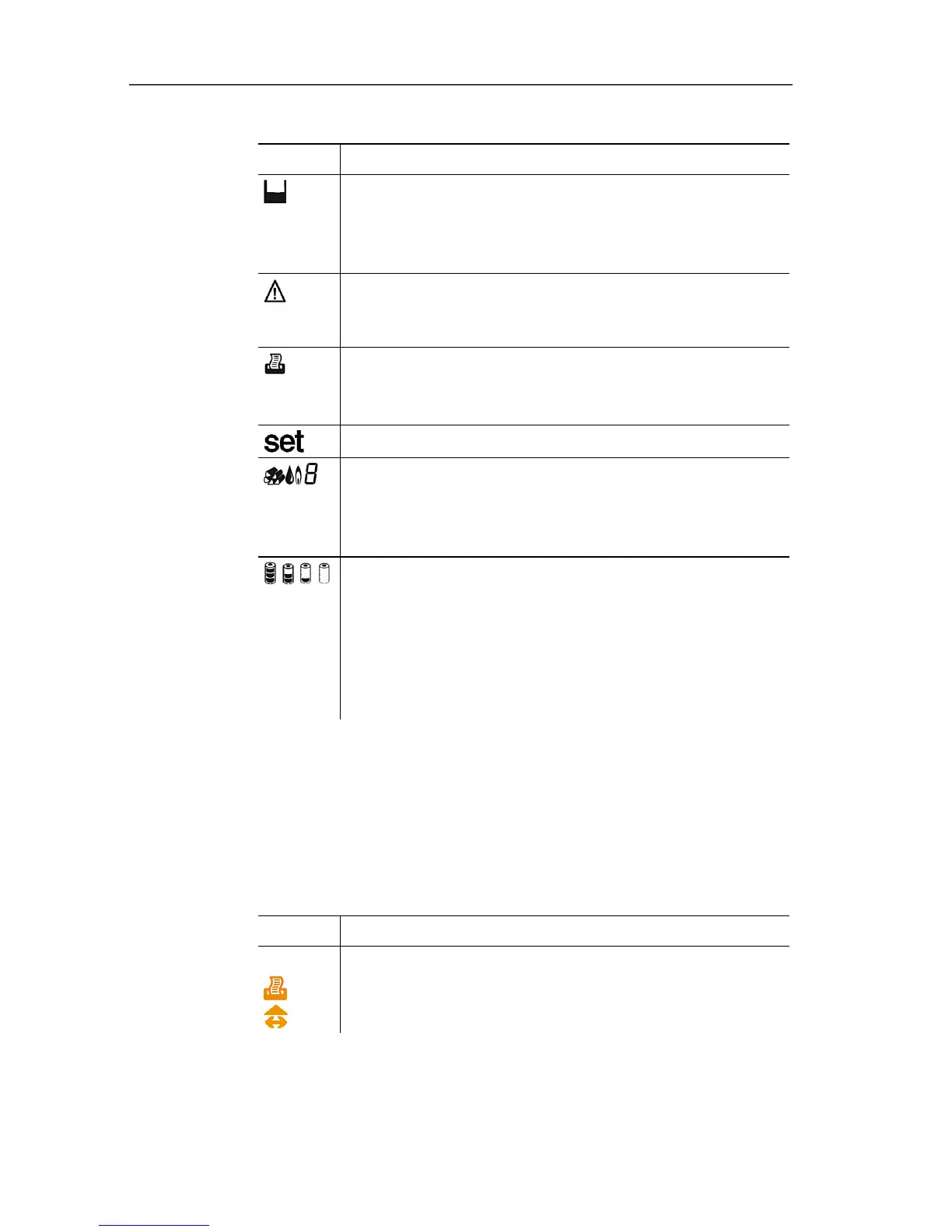
2 Status:
Icon Meaning
Measuring gas pump (icon visible when the
instrument is switched off)
The inner segments light up alternately when the
measuring gas pump is running.
Error
Flashes when an error occurs, an error code is also
displayed.
Print
Lights up during data transmission to the report
printer
Open configuration menu
Fuel type / fuel number
Depending on the set fuel, one of the icons (solid
fuel, oil, gas) and the associated fuel number lights
up.
, , ,
Battery capacity.
Indication of the remaining capacity of the
rechargeable battery by fill level of the battery icon:
• 3 segments 75-100%
• 2 segments 50-75%
• 1 segment 25-50%
• no segment <25%
3 Reading display line 1
See Area versions, page 17.
4 Reading display line 2
See Area versions, page 17.
5 Function key assignment:
Icon Possible assignment
Left function key:
Start print process
Select measurement type



 To Next Page