5 First steps
17
- The current measurement values are displayed. The instrument
is now operational.
Switching off
Unsaved measurement values are lost when the
instrument is switched off.
> Switch the instrument off with [ ].
Connecting probes / sensors
Probes are detected automatically by the instrument.
Make sure the connections are secure, but do not use force!
> Insert the probe connector into the probe socket:
• Bottom of the instrument: TC probe (type K)
• Top of the instrument: digital probe:
Push/pull plug-in connections protect digital probes from
being unintentionally disconnected from the instrument.
> Connect pressure tubes to + and -.
Caution! Danger of injury caused by the pressure tube
jumping away from the connection socket!
> Ensure correct connection.
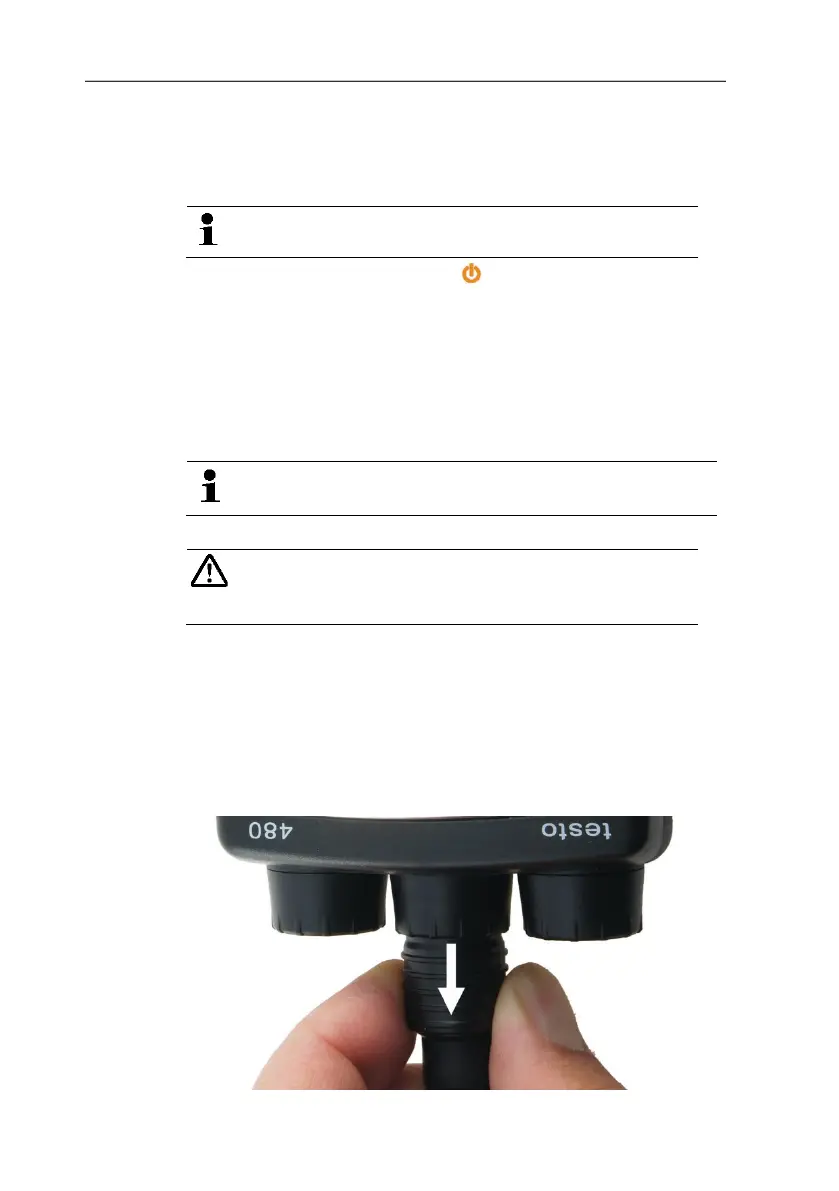
Removing probes
Thermocouple (TC) probe:
> Unplug connector from the socket.
Digital probe:
1. Pull back outer sleeve to release the push/pull plug-in
connection.
2. Unplug connector from the socket.



 To Next Page