6 Using the product
27
6.5. Explorer menu
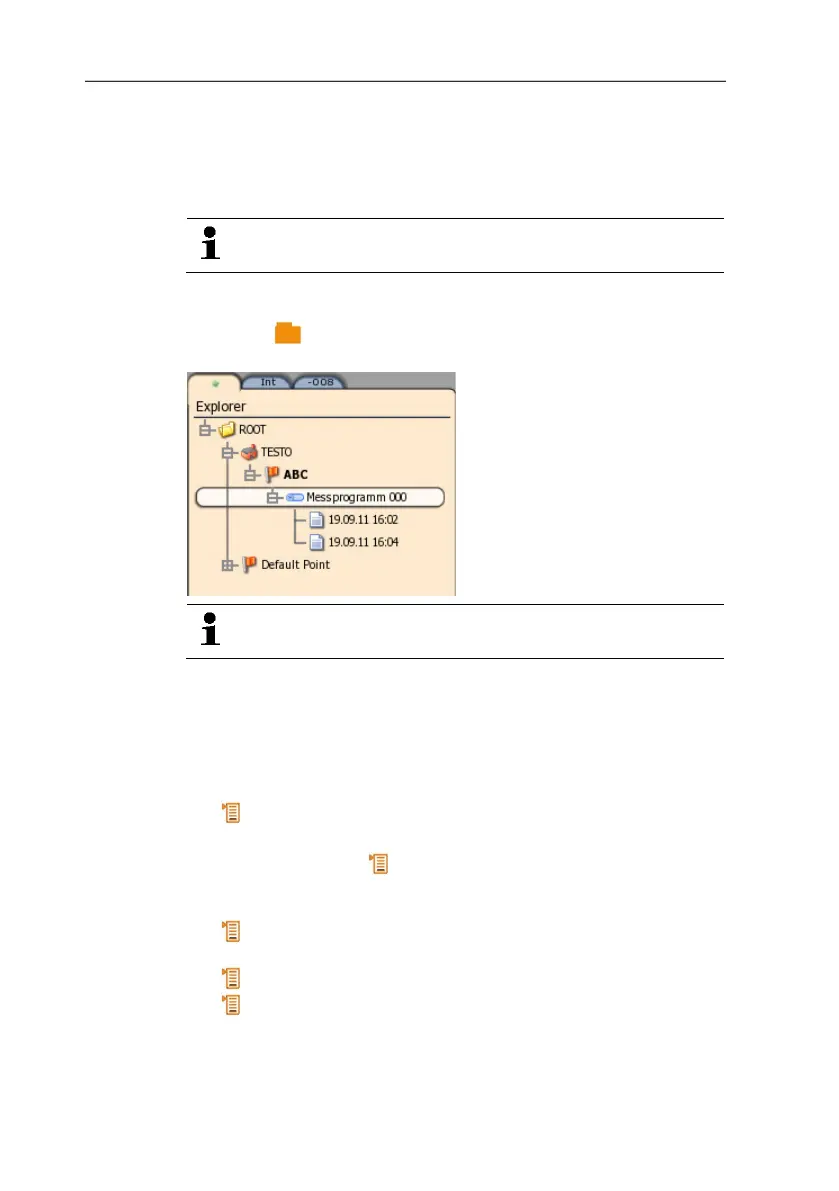
In Explorer, all saved measurement values are displayed with the
assigned data like the measuring program and customer data in a
set structure.
Measurement values that were not saved are lost when
the measuring instrument is switched off!
Calling up the Explorer view
> Press [ ].
- Explorer structure is displayed.
The Explorer structure can also be edited via the
EasyClimate software and re-imported into the instrument.
Creating a new folder
A folder is always created in another folder.
Folders are used for structure and to make orientation within the
measurement archive easier.
1. Select the (root) folder in which the new folder is to be created.
2. [ ] → New folder.
3. Enter name via the input editor.
4. Finalise the entry: [ ] → Save and close.
Other folder options
• [ ] → New measuring location: create new measuring
location in the selected folder.
• [ ] → Edit folder: change the name of an existing folder.
• [ ] → Delete folder: delete an existing folder, including the
locations created therein.



 To Next Page