5 First steps
19
5.2.2. Calling up a function
1. Select function: [ ].
- A box appears around the selected function.
2. Confirm selection: [ ].
- The selected function is opened.
5.2.3. Exit the menu
> Press [Esc].
Before the entered data or measurement data
a confirmation prompt always appears, which must be
confirmed with [ ].
Or
> [ ] → Save and close.
5.2.4. Switching to another tab
> Select the required tab: [ ].
- Required tab is activated and all other tabs are greyed out.
5.2.5. Entering values
Some functions require values (numbers, units, characters) to be
entered. Depending on the function that is chosen, the values are
entered via either a list field or an input editor.
List field
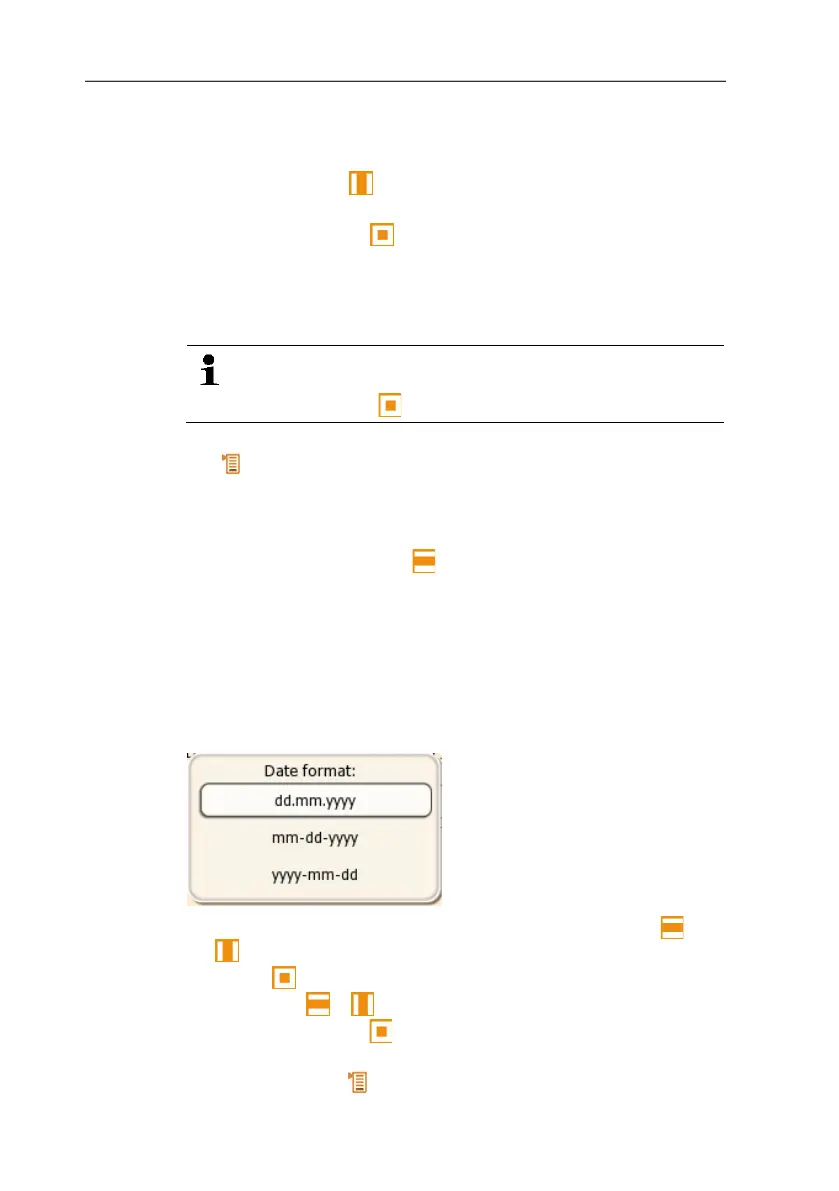
1. Select the value to be changed (numerical value, unit): [ ], [
] (depending on the selected function).
2. Press [ ].
3. Set value: [ ], [ ] (depending on the selected function).
4. Confirm the entry: [ ].
5. Repeat steps 1 and 4 as required.
6. Save the entry: [ ] → Save and close.



 To Next Page