8 Tips and assistance
56
instrument memory a drive letter. This is displayed in Windows
Explorer.
When the instrument is connected to the PC, the
instrument control buttons are locked. As soon as the
instrument is disconnected from the PC,
again via the control buttons.
4. Copy unzipped firmware file and res folder to Update folder.
5. Log out instrument from Windows (safely remove hardware).
6. Unplug USB cable.
7. Switch the instrument off.
8. Switch the instrument on.
- Firmware has been updated.
8 Tips and assistance
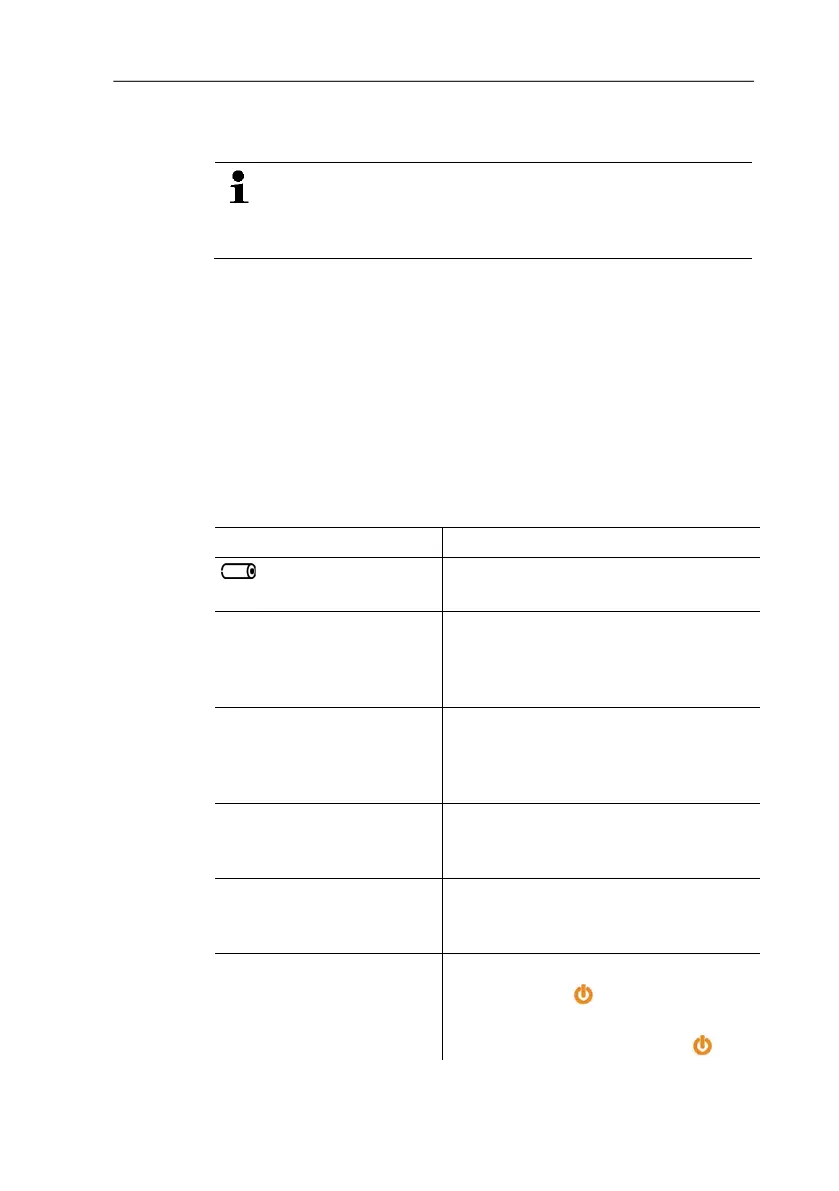
8.1. Questions and answers
Question Possible causes / solution
flashes Rechargeable battery is low.
> Switch to mains operation.
-+++- lights up instead of
the measurement
parameter display
The value is above the permissible
measuring range.
>
Keep to the permissible measuring
range.
+---+ lights up instead of
the measurement
parameter display
The value is below the permissible
measuring range.
>
Keep to the permissible measuring
range.
- - - - lights up instead of
the measurement
parameter display
Instrument sensor is faulty.
> Contact your dealer or the Testo
Customer Service.
Data cannot be copied to
the SD card or imported
from the SD card.
SD card is write-protected.
> Cancel write protection (small
slider control on the SD card).
Instrument no longer
responds when a button is
pressed.
Internal error has occurred.
1. Hold down [ ] for >10 sec.
- The instrument is switched off.
2. Switch instrument on with
.



 To Next Page