6 Using the product
21
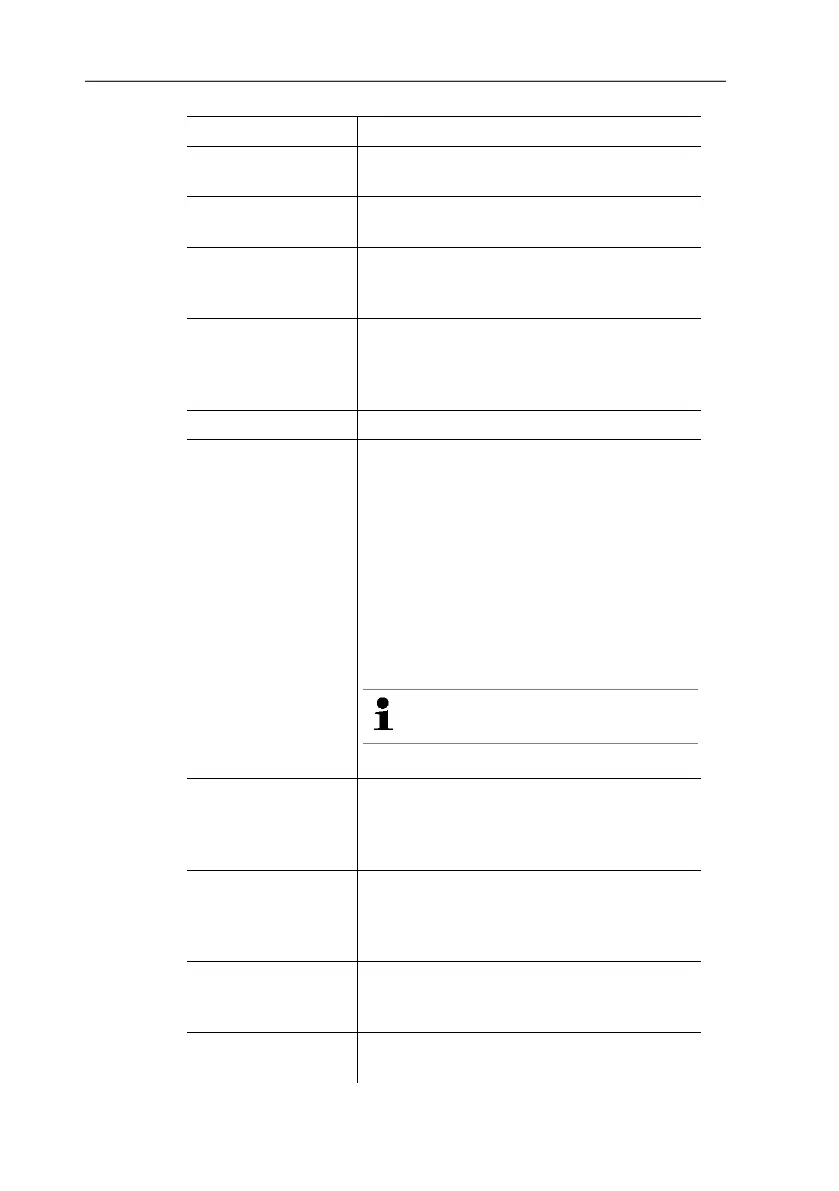
Energy brightness
The brightness of the display can be
adapted to suit ambient conditions.
Trackpad It is possible to set the response time of
the trackpad.
Speed-dial keys
Functions that are frequently required can
be assigned to one of the two function
keys [–].
Energy
management
The time frame for automatically
switching off the instrument (Auto off:) or
the display illumination (Energy-saving
mode).
Date/time Various displays can be selected.
Password
When password protection is enabled, all
these functions can only be carried out by
entering the password:
• Instrument factory reset
• Changing date/time (as from firmware
version 1.14)
• Probe reset
• Firmware update
• Change/deactivate password
• Probe name
If you forget the password, it can
only be reset by Testo Service
Password protection is not set as default.
Units It is possible to toggle between ISO and
US units. The setting only relates to the
unit of the measured parameters, not to
the calculated parameters.
Norm data The temperature and absolute pressure
values for the internal calculation of the
standard flow rate can be changed.
Factory-set: 25 °C, 1013.25 hPa
Pressure settings Selection of the additional information
that should be included on a
measurement value printout.
Language The instrument language is set. Select a
language that you can understand well.



 To Next Page