Draw Operations 7-5
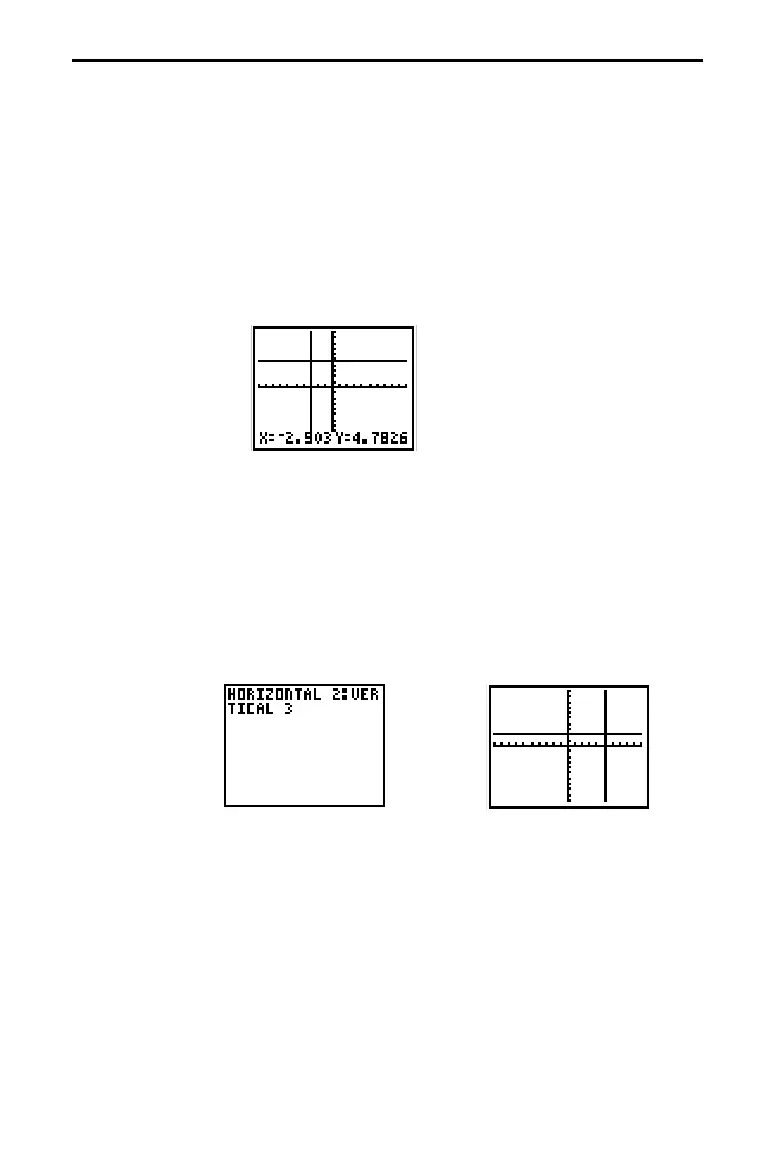
While a graph is displayed, HORIZONTAL and VERTICAL let you define lines on
the graph using the cursor. If a graph is not displayed, the instruction is copied
to the Home screen.
To draw horizontal and vertical lines directly on a graph:
1. When a graph is displayed, select
HORIZONTAL
(item 3)
or
VERTICAL
(item 4) from the
DRAW DRAW
menu.
2. A line is displayed that moves as you move the cursor.
Position the cursor where you want to draw the line. Press
¸
. The line is drawn on the graph.
To continue to draw lines, repeat step 2. To cancel
HORIZONTAL
or
VERTICAL
, press
M
.
HORIZONTAL
(
DRAW DRAW
, item 3) draws a horizontal line
at
Y
=
Y
(which can be an expression, but not a list).
HORIZONTAL
Y
VERTICAL
(
DRAW DRAW
, item 4) draws a vertical line at
X
=
X
(which can be an expression, but not a list).
VERTICAL
X
Note: In the example above, the horizontal line is drawn first,
and then the vertical line is drawn.
Drawing Horizontal and Vertical Lines
Directly on a
Graph
From the Home
Screen or a
Program














 To Next Page