62
3. Status Enable register
The Status Enable Register is set by the user to enable SRQs from changes in power supply status.
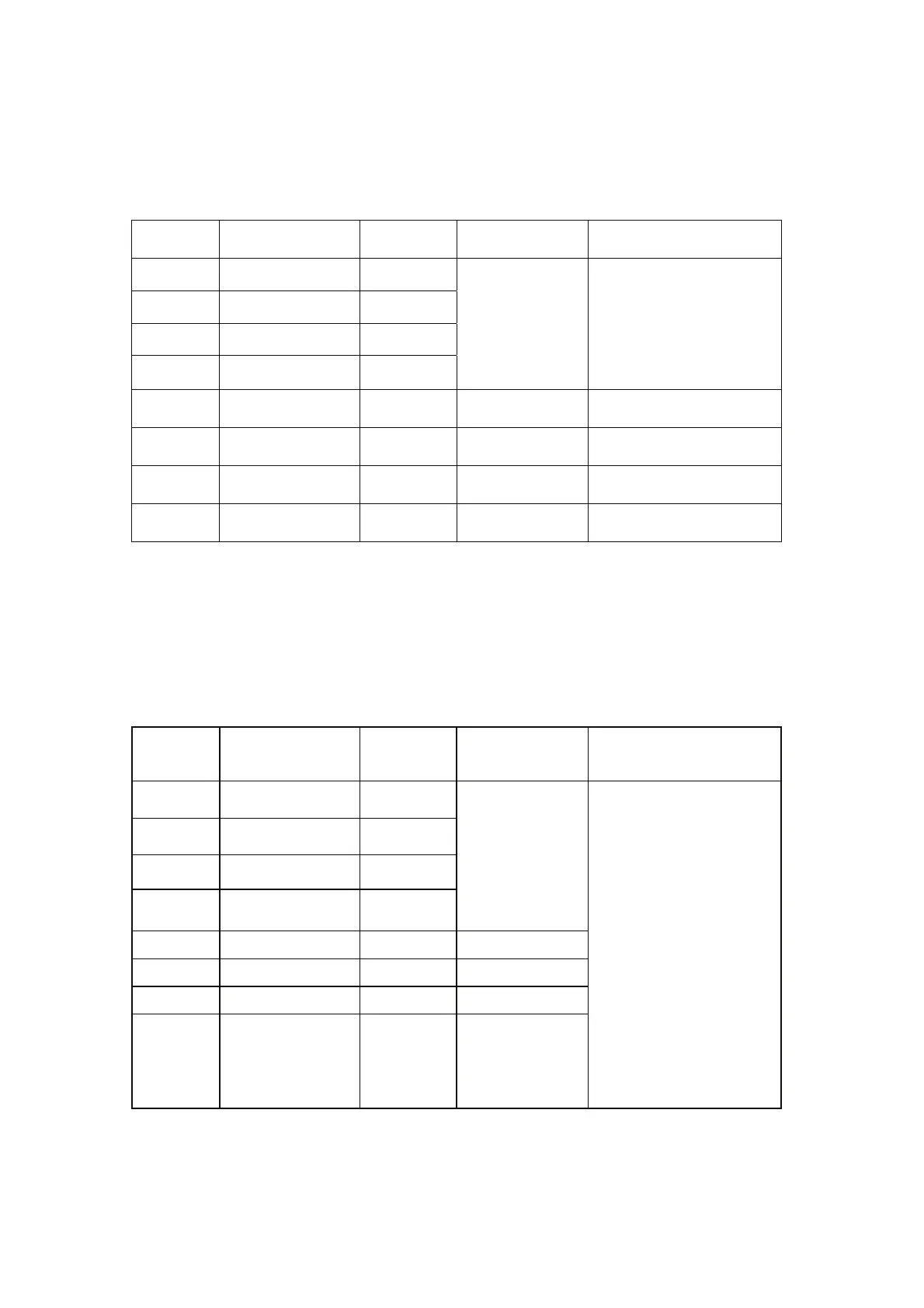
Table 7-12: Status Enable Register
BIT Status name
Status
symbol
Bit Set condition Bit reset condition
0(LSB) Constant Voltage CV
1 Constant Current CC
2 Not Fault NFLT
3 Fault active FLT
User command:
“SENA nn” is
received, where
nn is
hexadecimal bits.
User command:
“SENA nn” is received,
where nn is hexadecimal
bits.
If “nn”=00, no SRQ is sent
where there is a change in
Status Condition Register.
4
Auto-Restart
enabled
AST Always zero Always zero
5 Fold enabled FDE
Always zero Always zero
6 Spare SPARE
Always zero Always zero
7(MSB) Local Mode LCL
“SENA nn”
command
“SENA nn” command
4. Status Event Register
The Status Event Register will set a bit if a change in the power supply status occurs and it is
enabled. The register is cleared when the "SEVE?" or "CLS" commands are received. A change in
this register will generate SRQ.
Table 7-13: Status Event Register
BIT Status name
Status
symbol
Bit Set condition Bit reset condition
0(LSB)
Constant Voltage CV
1
Constant Current CC
2
No Fault NFLT
3
Fault active FLT
Changes in
Status occurs
and it is enabled.
The change can
set a bit, but
when the change
clears the bit
remains set.
4
Not used 0 Always zero
5 Not used 0 Always zero
6 Not used 0 Always zero
7(MSB)
Local Mode LCL
Unit is set to
Local by
pressing front
panel RMT/LCL
button.
Entire Event Register is
cleared when user sends
“SEVE?” command to
read the register.
“CLS” and power-up also
clear the Status Event
Register.



 To Next Page