AS 680/682
Description, Operation and Maintenance Supervisor Operation
ADS−B
5−31Ed. 10.07
5.4.13.5 Upload
NOTE: The ’Browse’ button within this ’Upload’ section of the ’Software’ page can be used to
select a file within an appearing file selection dialog. The selected file is then entered auto-
matically into the corresponding edit field. The other possibility is to enter the file name
manually.
5.4.13.5.1 Upload Ground Station Kernel
With the ’Upload’ of a ’Kernel’, a new kernel image can be uploaded from the RCMS/LCMS, where
the TSC is running, to the Ground Station, the TSC is connected to. Only the not active kernel will be
uploaded automatically. A confirmation panel pops up, when uploading a kernel image.
Enter the kernel image file (via ’Browse’ or manually, see NOTE above), and click on ’Upload’. A con-
firmation dialog appears, start the uploading of the file by clicking on button ’OK’.
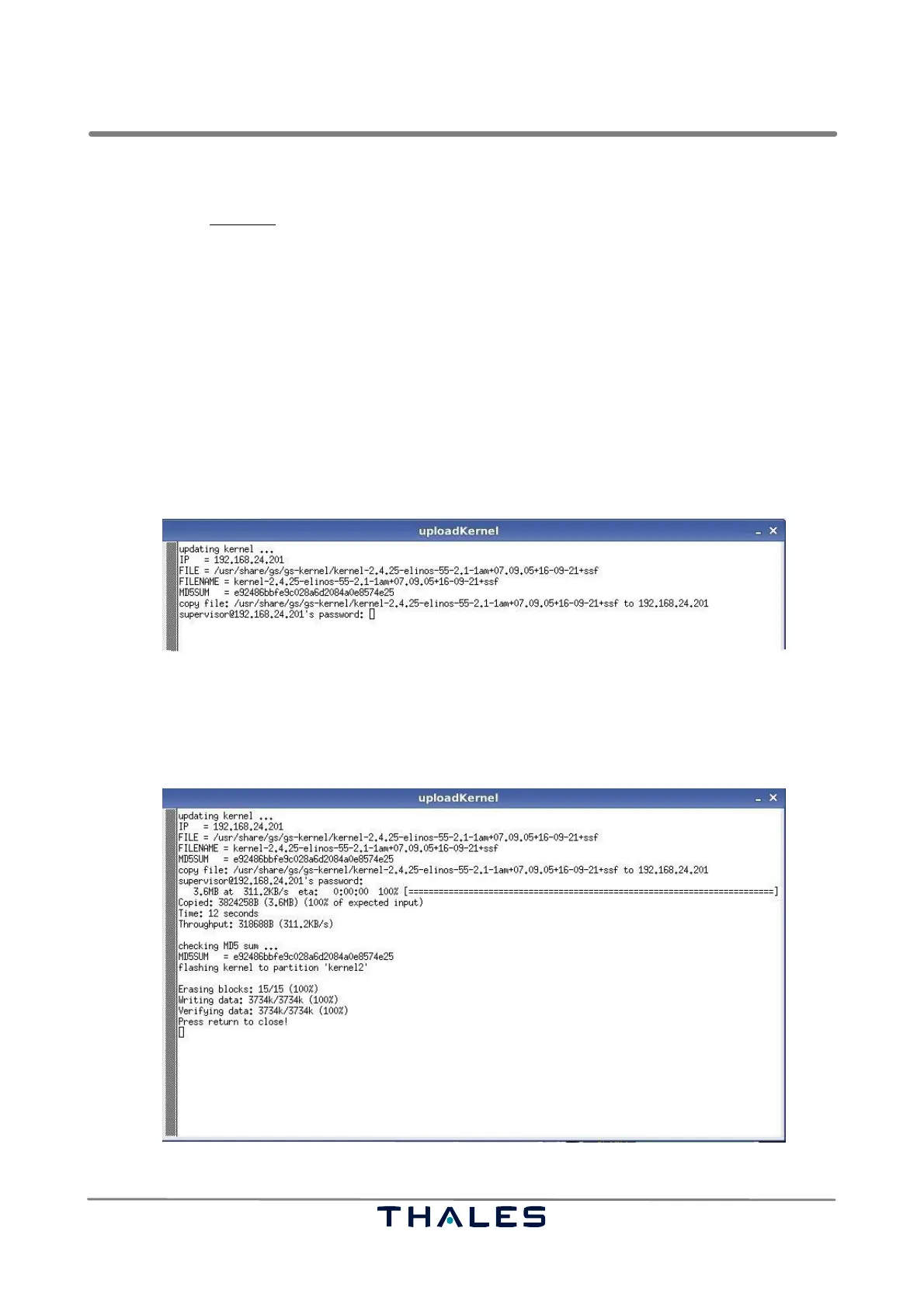
After confirmation, a terminal window named ’uploadKernel’ pops up, where the password of the su-
pervisor is requested (see Fig. 5−20).
Fig. 5−20 Upload Kernel, start of upload (example)
After entering the correct password, the uploading process will continue with any further user interca-
tion. If the uploading of the kernel is successfully done the instruction string "Press return to close!"
appears in the window (see Fig. 5−21). So press the <RET> key to close the terminal window.
Fig. 5−21 Upload Kernel, upload successfully done (example)


 To Next Page
 Loading...