AS 680/682
Supervisor Operation Description, Operation and Maintenance
ADS−B
5−32 Ed. 10.07
5.4.13.5.2 Upload Ground Station Application
The ’Upload’ of the ’Application’ is done in the same way then described for the ’Kernel’ in previous
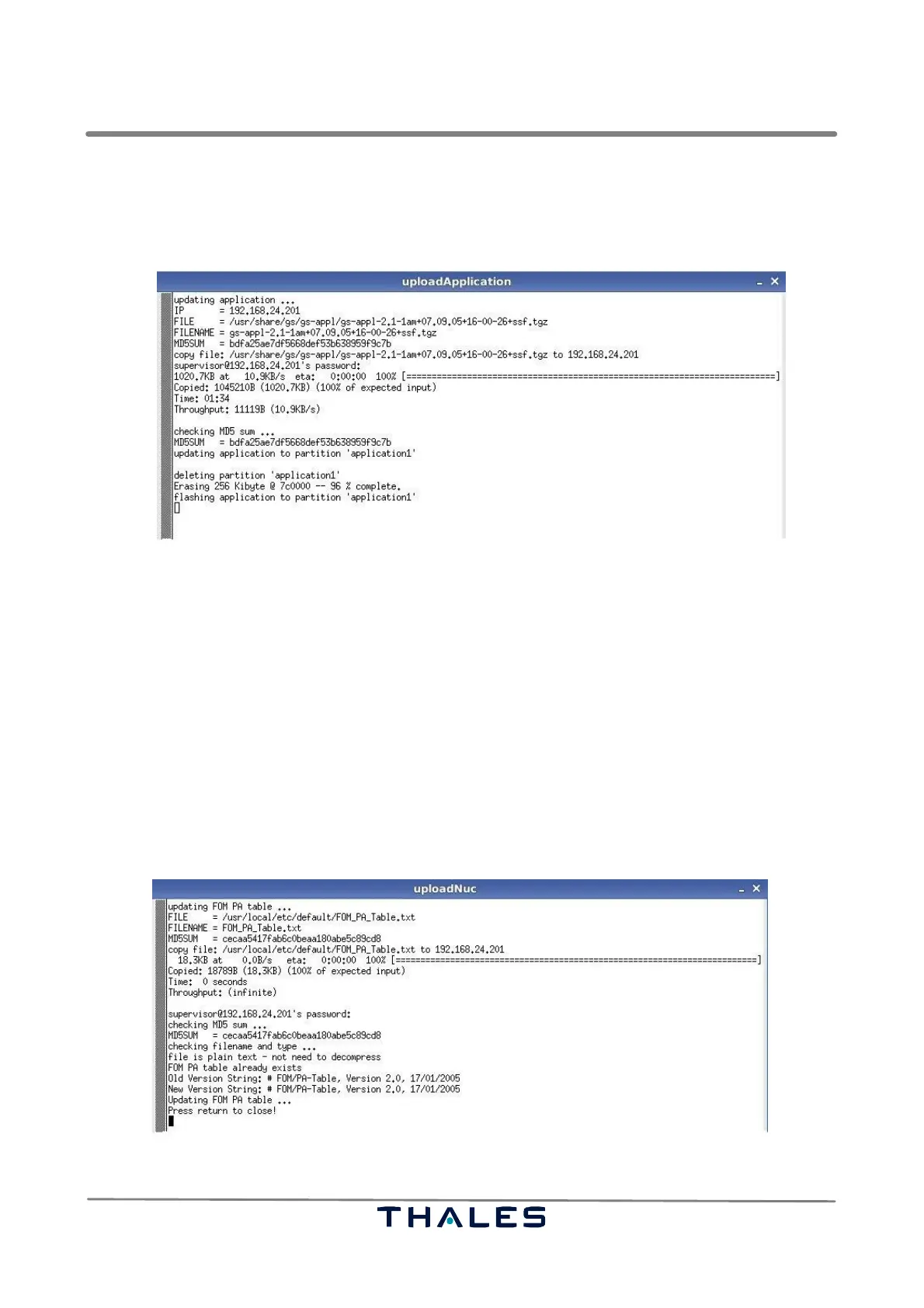
section 5.4.13.5.1 . Fig. 5−22 shows an example of an ’uploadApplication’ terminal window.
Fig. 5−22 Upload Application (example)
NOTE: It is important to keep the recommended order when uploading the kernel and the
application software. The upload sequence is as follows:
1. Upload new Kernel software version.
2. Switch over to new Kernel via Kernel partition reboot.
3. Upload the new Application software version.
4. Switch over to new Application partition via application restart.
5. Repeat for the other Kernel and Application as required.
5.4.13.5.3 Upload FOM/PA Table
The ’Upload’ of the ’FOM/PA table’ is done in the same way then described for the ’Kernel’ in section
5.4.13.5.1 . Fig. 5−23 shows an example of an ’uploadNuc’ terminal window.
Fig. 5−23 Upload FOM/PA Table (example)



 To Next Page