EasyManua.ls Logo

Thermo Scientific APEX 100 - User Manual

Thermo Scientific APEX 100
442 pages
Print Icon
To Next Page IconTo Next Page
Loading...
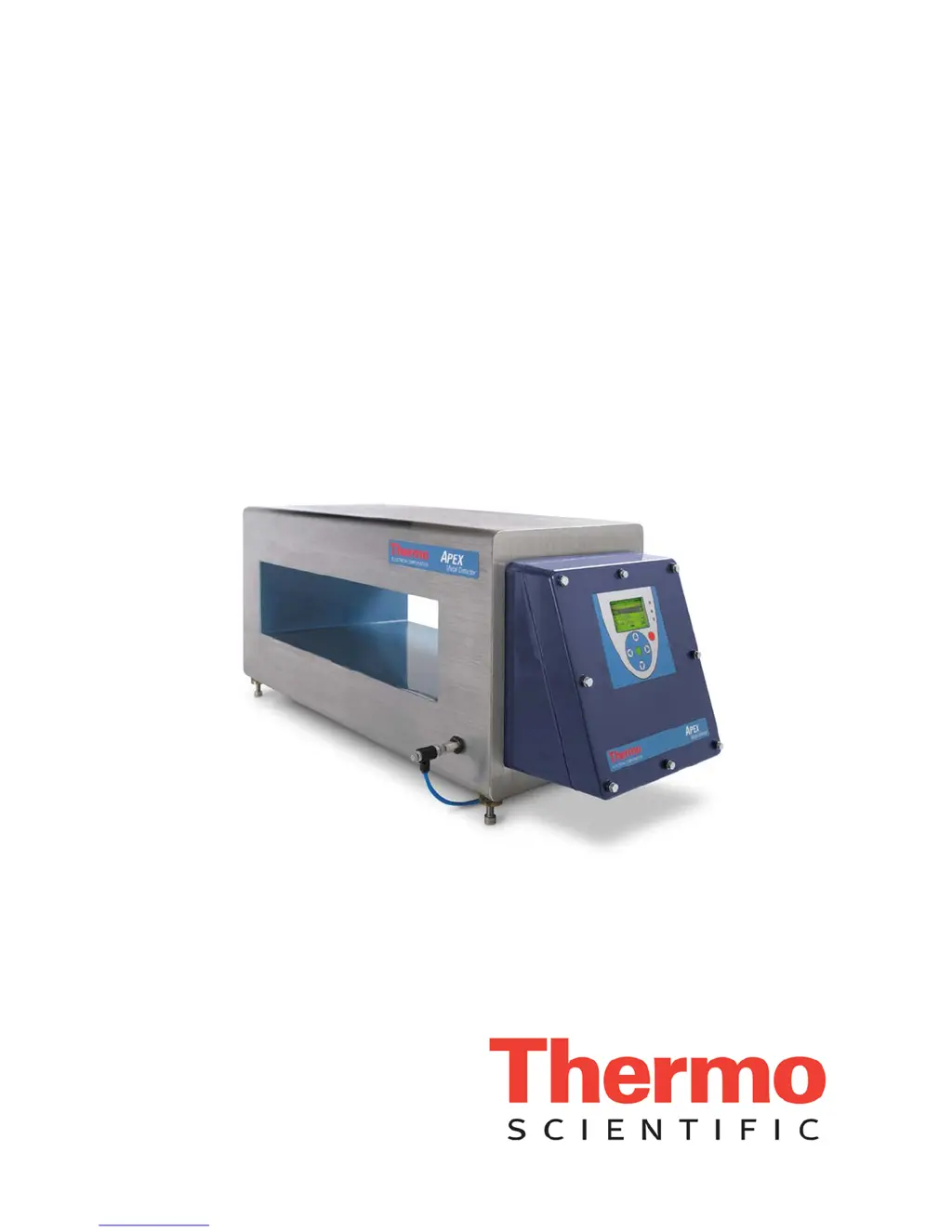
Thermo Scientific
APEX
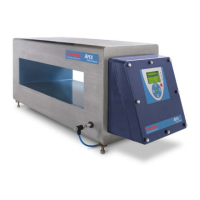
Metal Detector
User’s Guide
REC 4248 Rev K
Part number 085381English

Table of Contents

Questions and Answers

  • S
    Susan CummingsAug 17, 2025
    What to do if my Thermo Scientific Metal Detector reject device has failed?
    • C
      Cindy JohnsonAug 17, 2025
      Check the action of your reject device to ensure it is working properly. Inspect the reject-confirm switch. You might also want to increase the reject-confirm time using the detector’s reject-confirm function.
  • K
    Kristi LeonardAug 20, 2025
    What to do if the Thermo Scientific APEX 100 Metal Detector is not getting a signal from the external speed encoder?
    • M
      Mark FitzgeraldAug 20, 2025
      Retest APEX using a test sample and with the belt running; this may clear the fault. If the problem persists, check the functioning of the external speed encoder.
  • T
    Thomas DixonAug 22, 2025
    What to do if my Thermo Scientific APEX 100 Metal Detector shows a photo eye fault?
    • D
      dmayoAug 22, 2025
      Check the alignment of the photo eye, ensuring the product is breaking the beam. Also, check for reasons for false triggering, such as metal in the belt. Perform a complete test of the detector, including the reject device.
  • A
    Adam CarlsonAug 25, 2025
    What does it mean when my Thermo Scientific Metal Detector shows an excess reject fault?
    • D
      davidloganAug 26, 2025
      Press Clear Fault. Keep in mind that this fault may be caused by excessive contamination in the product, so examine the rejected product to see whether it is heavily contaminated.
  • P
    Patricia BenjaminAug 27, 2025
    What does it mean when my Thermo Scientific Metal Detector shows a phase limit fault?
    • A
      Angela MelendezAug 27, 2025
      This may be caused by contaminated product or metal elsewhere in the system. If necessary, check and adjust the phase limits. Inspect for contaminated product and metal elsewhere in the system.
  • R
    Robert WatsonAug 30, 2025
    What to do if my Thermo Scientific Metal Detector has been subjected to lightning?
    • D
      Dawn GatesAug 30, 2025
      Erase the memory.
  • S
    Shelia SantiagoSep 1, 2025
    Why does my Thermo Scientific APEX 100 Metal Detector show AuditCheck fault?
    • M
      Michael WilsonSep 2, 2025
      Make sure that you have set up appropriate fault limits for the AuditCheck function, because the signal produced by your product will vary. Also, verify that the Alarm Limit and Fault Limit have not been inadvertently misapplied.
  • J
    James JonesSep 4, 2025
    What to do if my Thermo Scientific APEX 100 Metal Detector QA test light has been ignored?
    • R
      Robert MooreSep 4, 2025
      Perform a QA test.
  • T
    Tammy CampbellSep 6, 2025
    What to do if the Thermo Scientific APEX 100 Metal Detector doesn't detect the peak size during QA test?
    • S
      Shirley GarciaSep 7, 2025
      Repeat the QA test so the required number of detections are achieved.
  • J
    Jose SteinSep 9, 2025
    How to fix a broken search-head cable connection on my Thermo Scientific Metal Detector?
    • C
      Chad HarrisSep 9, 2025
      Examine the cable connections at both ends to make sure all wires are connected correctly.

Summary

Getting Started

Setting Product Parameters

Details on setting critical product parameters like noise thresholds and detect level.

Setting Up Conveyor Applications

Calibrating Your Detector

Covers noise threshold calibration, speed filter calibration, and basic product parameters.

Setting Product Parameters

Setting Reject Parameters

Setting Contaminant-Detection Parameters

Establishing Noise Thresholds with No Product Present

Guides on calibrating X and R noise thresholds without product in the search head.

Calibrating the Speed Filter Using a Ferrous Test Stick

Steps to calibrate the speed filter using a ferrous test stick.

Establishing Basic Product Parameters

Explains learning product characteristics like frequency, gain, phase angle, and detect level.

Setting Up Gravity-Feed Applications

Setting Up Pipeline Applications

Setting Up Pharmaceutical (Rx) Applications

Setting Contaminant-Detection Parameters

Covers establishing baselines, selecting speed filters, and basic product parameters.

System and Tools Menu

Quality Test

Refers to page 196 for details on performing manual quality tests.

AuditCheck

Refers to page 206 for details on performing AuditCheck tests.

Security Level

Entering a Supervisor Password

Guides on setting up a supervisor password for restricting access.

Maintenance and Troubleshooting

Recommended Test Procedures

Provides considerations and recommendations for setting up detector test procedures.

Electrical Set-Up

Mechanical Set-Up Instructions for Specific Applications

Safety and Warranty Information

Important Safety Notices about Using the APEX

Highlights critical safety warnings and notices regarding APEX usage.

Thermo Scientific APEX 100 Specifications

General IconGeneral
BrandThermo Scientific
ModelAPEX 100
CategoryMetal Detector
LanguageEnglish

Related product manuals