Chapter 1
Introduction
E-DOC-CTC-20051017-0167 v1.0
8
Accessing the command
line interface
Users can access the Command Line Interface via:
The SpeedTouch™ CLI web pages:
This requires that TCP/IP connectivity exists between the SpeedTouch™ and
the host from which the web browser is opened.
A Telnet session:
This requires that TCP/IP connectivity exists between the SpeedTouch™ and
the host from which the Telnet session is opened.
The serial 'Console' interface.
This requires a terminal emulation program.
Before you start By default the SpeedTouch™ has the following interfaces already configured:
Proceed as follows to start without the default configuration:
With the SpeedTouch™ in this state you should be able to configure every packet
service as described.
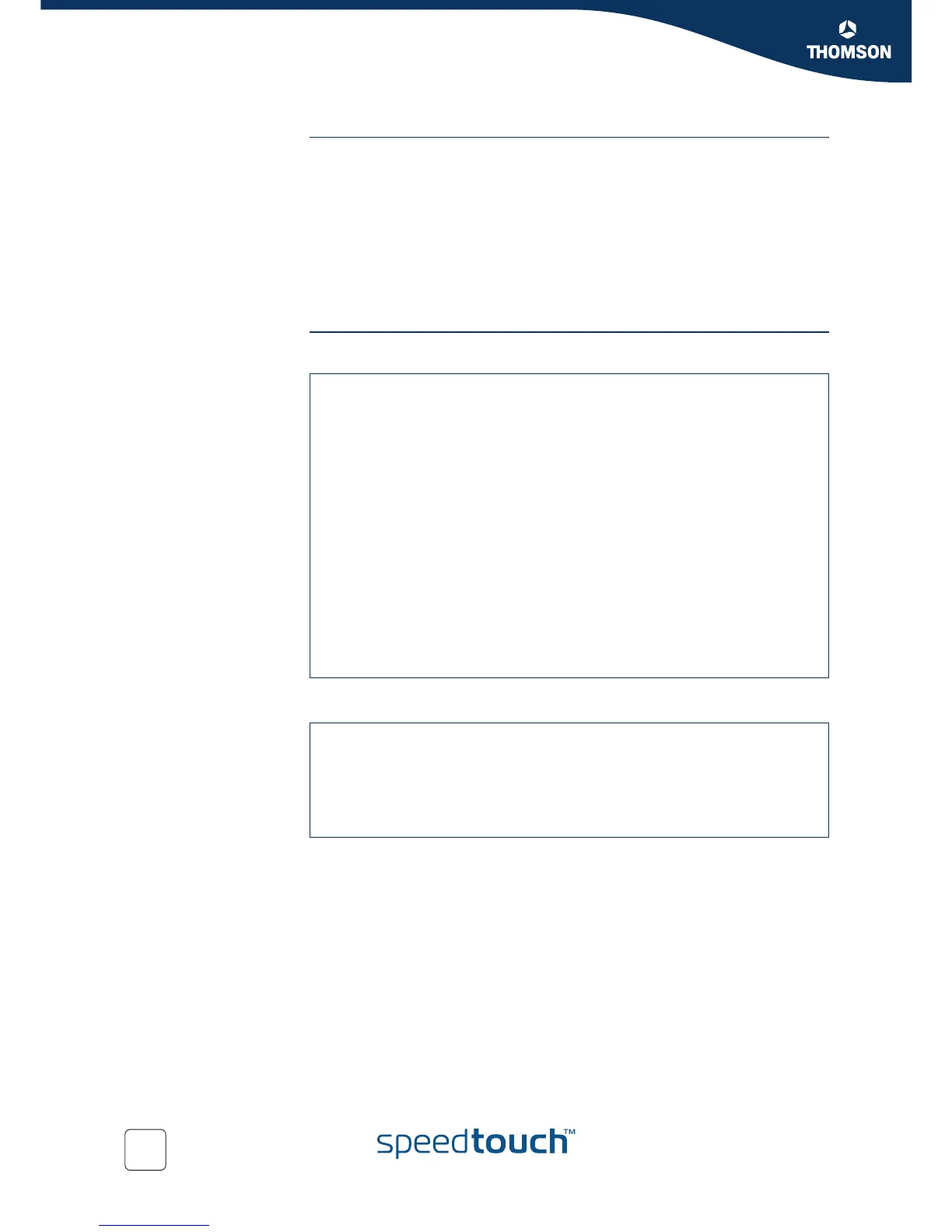
=>interface list
Name Type State Use UL Interfaces
ethif1 physical connected 1 ethport1
ethif2 physical connected 1 ethport2
ethif3 physical connected 1 ethport3
ethif4 physical connected 1 ethport4
RELAY eth connected 1 Internet_ppp
bridge eth connected 2 RELAY, lan1
OBC bridge connected 1 bridge
ethport1 bridge connected 1 bridge
atm_0_35 atm recovering 1 PPPoE_0_35
atm_8_35 atm recovering 1 PPPoE_8_35
ethport2 bridge connected 1 bridge
ethport3 bridge connected 1 bridge
ethport4 bridge connected 1 bridge
PPPoE_0_35 eth connected 1 RELAY
PPPoE_8_35 eth connected 1 RELAY
Internet_ppp ppp not-connected 1 Internet
Internet *ip not-connected 0
lan1 ip connected 0
=>:ppp relay flush
=>:eth flush
=>:atm flush
=>:ppp flush
=>:atm phonebook flush
=>:saveall
=>















 To Next Page