Chapter 4
Bridged PPPoE
E-DOC-CTC-20051017-0167 v1.0
35
Starting a Dial-In Internet
session
Proceed as follows to connect to the Internet on a Windows XP platform:
1 On the Start menu, point Connect To and click MyISP.
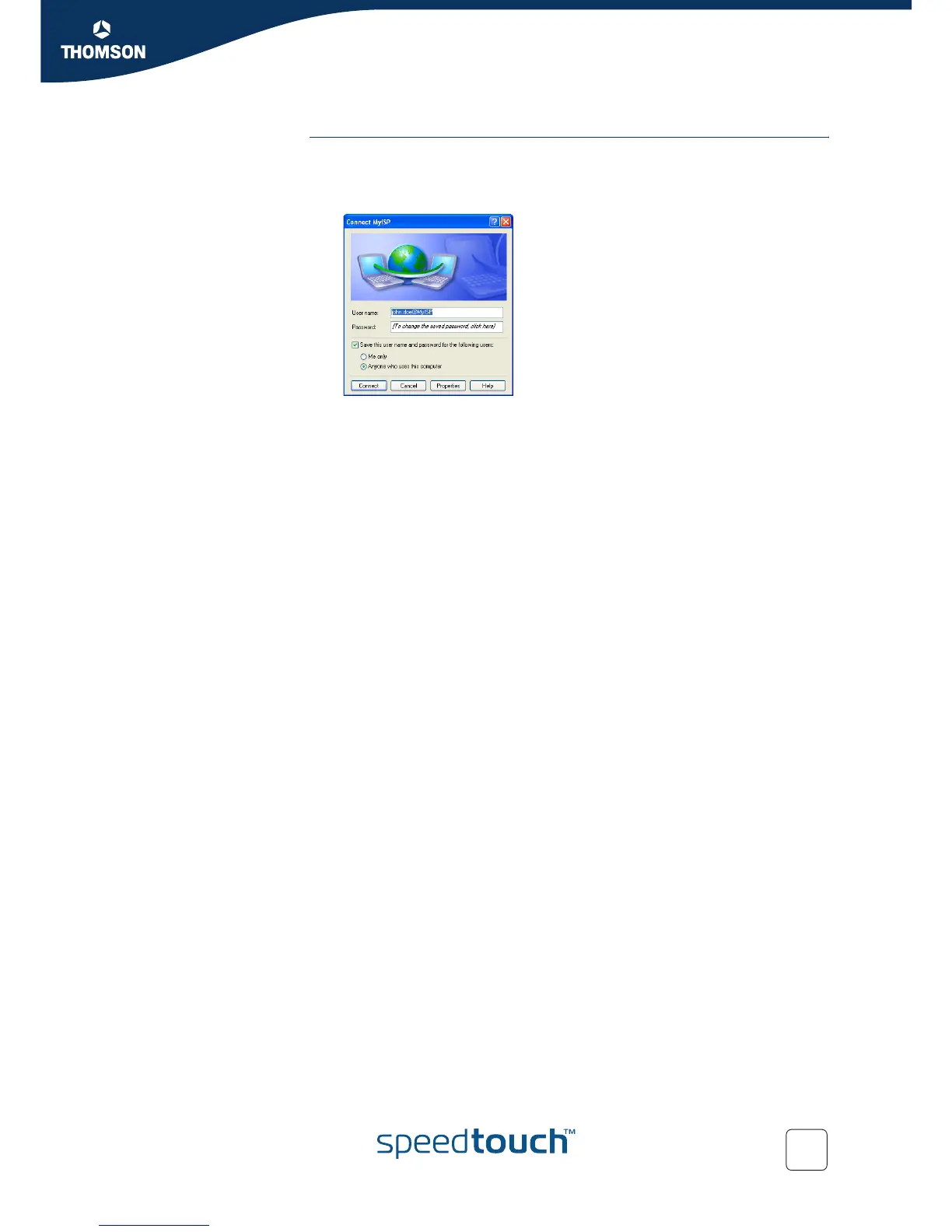
2 The Connect MyISP window appears:
Type your User name and Password if necessary.
3 Click Connect.
Your computer connects to the Internet.















 To Next Page