© 2017 Thorlabs GmbH
2 Getting Started
15
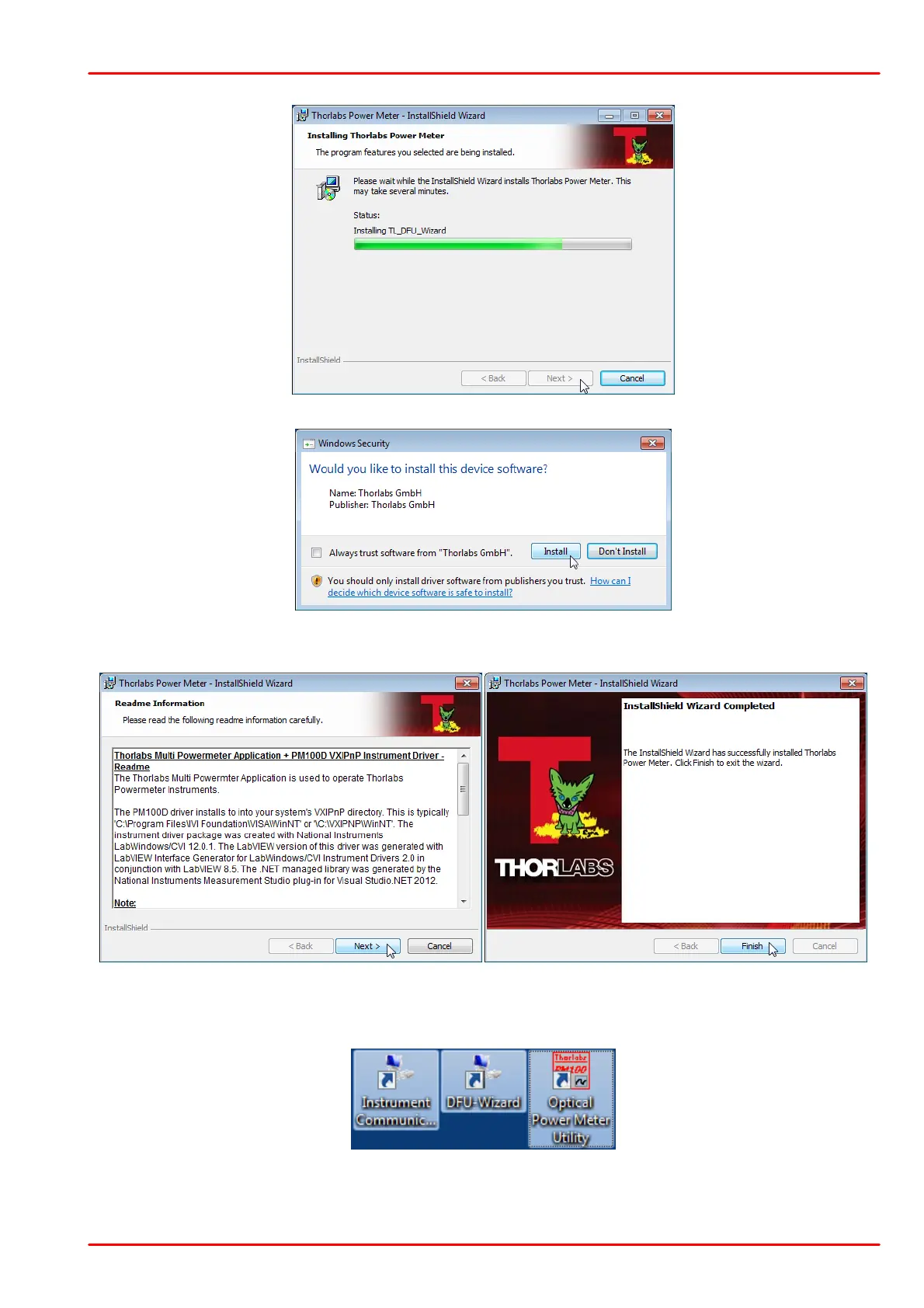
Click "Install" to continue.
Read the information, then click "Next". In the last window click "Finish". On the desktop three
new icons appear that allow to execute the installed software.
Switch on your PM400, and connect it to a free USB port using the USB cable that was atta-
ched. The required driver software is being installed.



 To Next Page