© 2017 Thorlabs GmbH
4 Computer Interface
29
4 Computer Interface
The PM400 optical power meter contains a USB 2.0 interface for remote control of the unit by
an external PC. Connect the unit via the Mini-USB connector in the top panel to a free USB port
of your PC.
Prior to connect the PM400, make sure that at least the NI-VISA Runtime 5.4.1 is installed to
the computer. This software is available on the National Instruments website www.ni.com, and
included with with the PM400 software package as well.
When connecting the PM400 first time, a new hardware will be found.
4.1 PM400 Utility Software
The PM400 comes with an utility software that easily enables remote operation of the PM400 -
as well as othe Thorlabs GmbH Power Meters - along with visualizing and logging of measure-
ment data. The PM400 utility software does not require the installation of the instrument drivers
as described in section Using the Instrument Drivers.
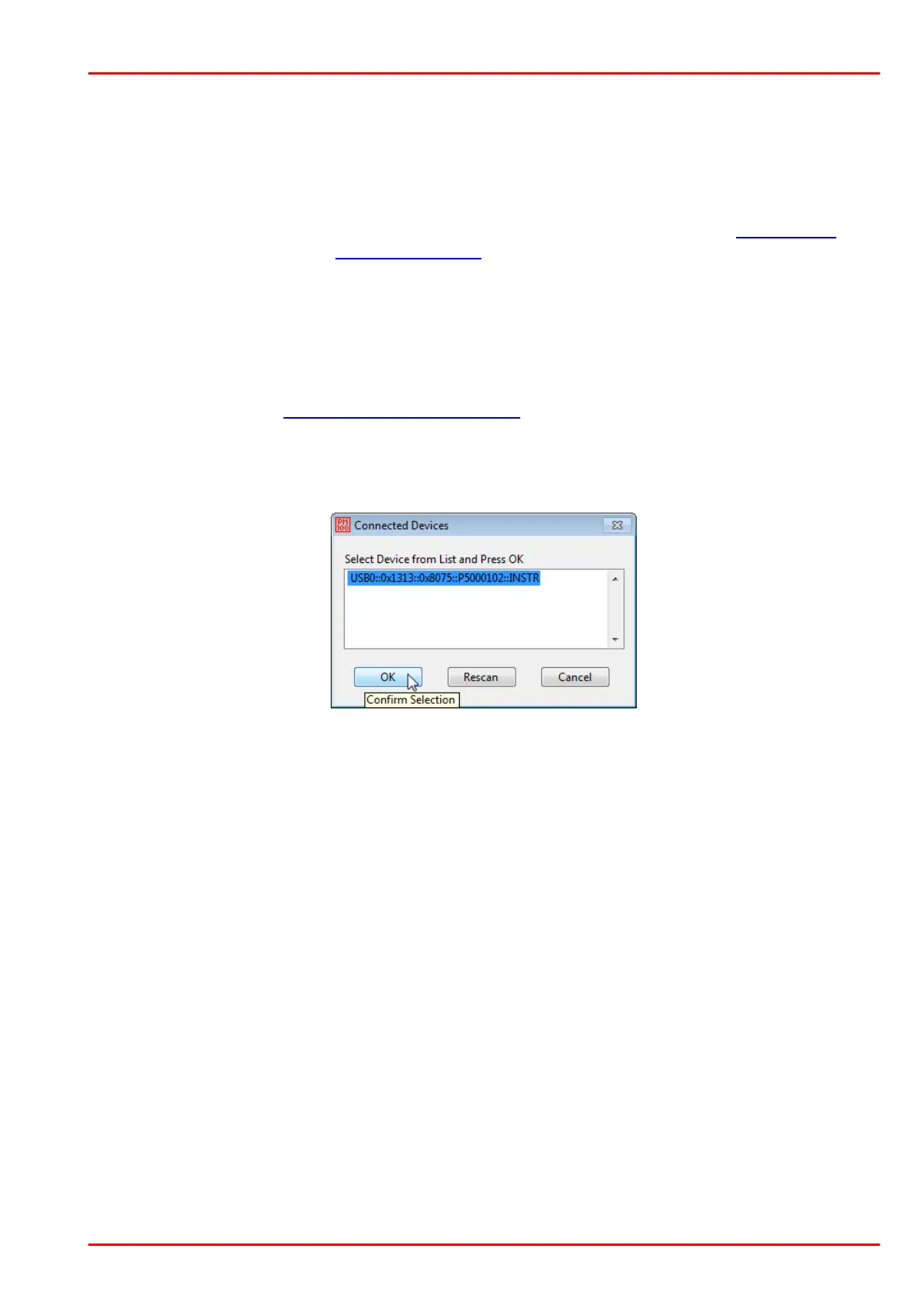
After launching the PM400 utility program it will automatically screen for connected console de-
vices. Select the desired device and press o.k. In case that the connected console is not yet
recognized, press Rescan to perform a new search for connected devices.
The identification string contains the following items:
USB0 USB Port number
0x1313 Thorlabs Vendor ID
0x8075 Product ID = PM400
P5000102 Instrument serial number
INSTR Measurement instrument device



 To Next Page