© 2017 Thorlabs GmbH8
PM400
2.3 Installing Software
For the PM400 a software package is available on the Thorlabs GmbH website:
https://www.thorlabs.de/software_pages/viewsoftwarepage.cfm?code=PM100x
This software package contains:
·
NI VISA 5.4.1 Runtime
·
NI LabView Runtime 2015
·
Thorlabs PM100 Utility Version 5.8
·
Thorlabs Instrument Communicator 2 Version 1.5.0
·
Thorlabs DFU (Device Firmware Update) Wizard Version 2.6
Download the ZIP archive and extract the files to your computer. Below, the appropriate instal-
lation steps are shown fore installation to a Windows 7 64 bit operating system.
Note
The described below procedure applies to a computer without installed NI VISA 5.4.1 Runtime
and NI LabView Runtime 2015. If these components are installed already and correctly recog-
nized, the installer skips the installation and resumes with Thorlabs software installation.
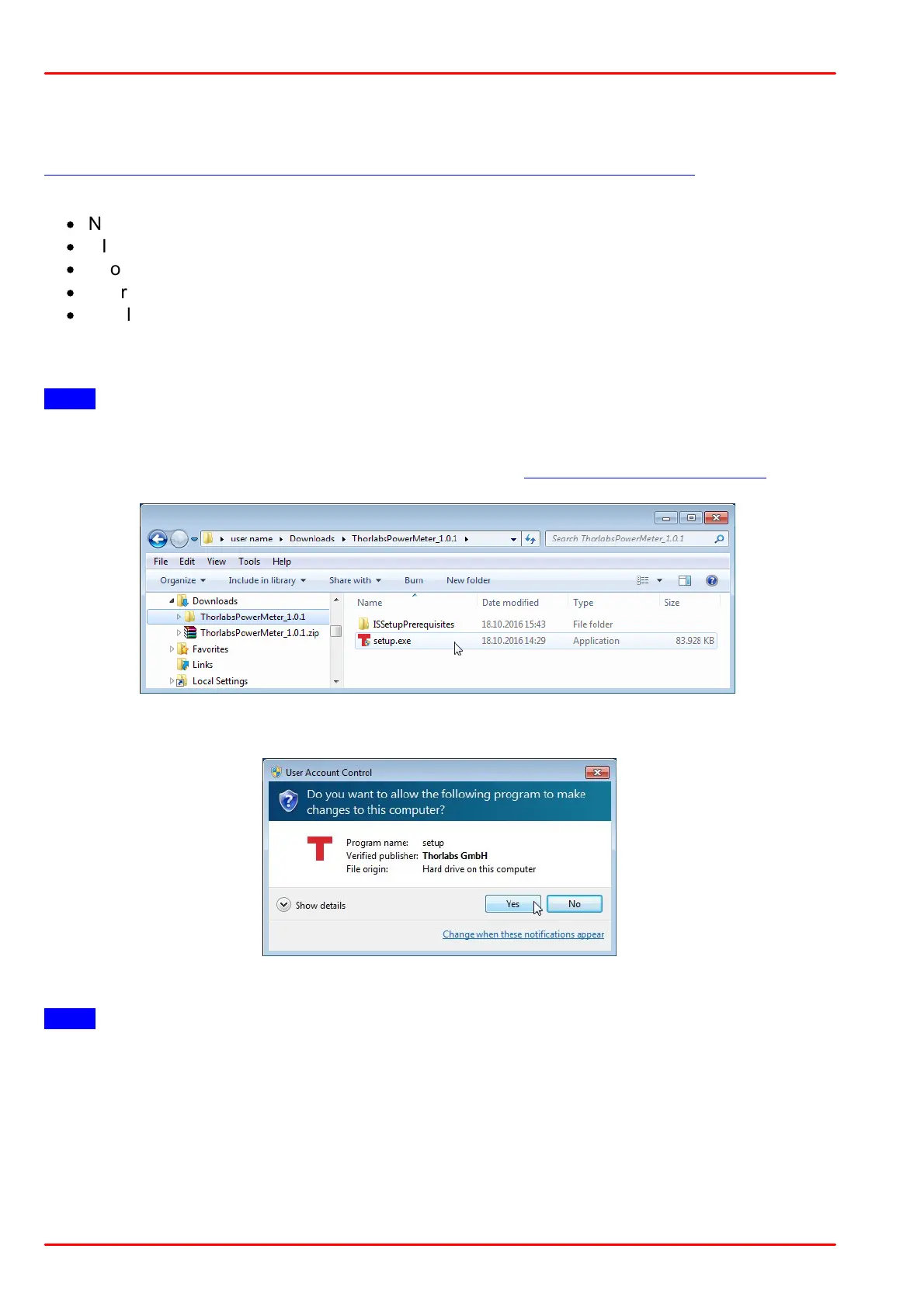
Start the installation by executing the file setup.exe as shown in above screenshot.
Click "Yes" to start installation.
Note
You need administrator privileges to install the software!



 To Next Page