© 2017 Thorlabs GmbH20
PM400
3.2 Measurement Configuration
Ranging
The PM400 can be operated in AUTO and MANUAL ranging mode.
Tap on the measurement unit ("mW") to toggle between AUTO and MANUAL ranging.
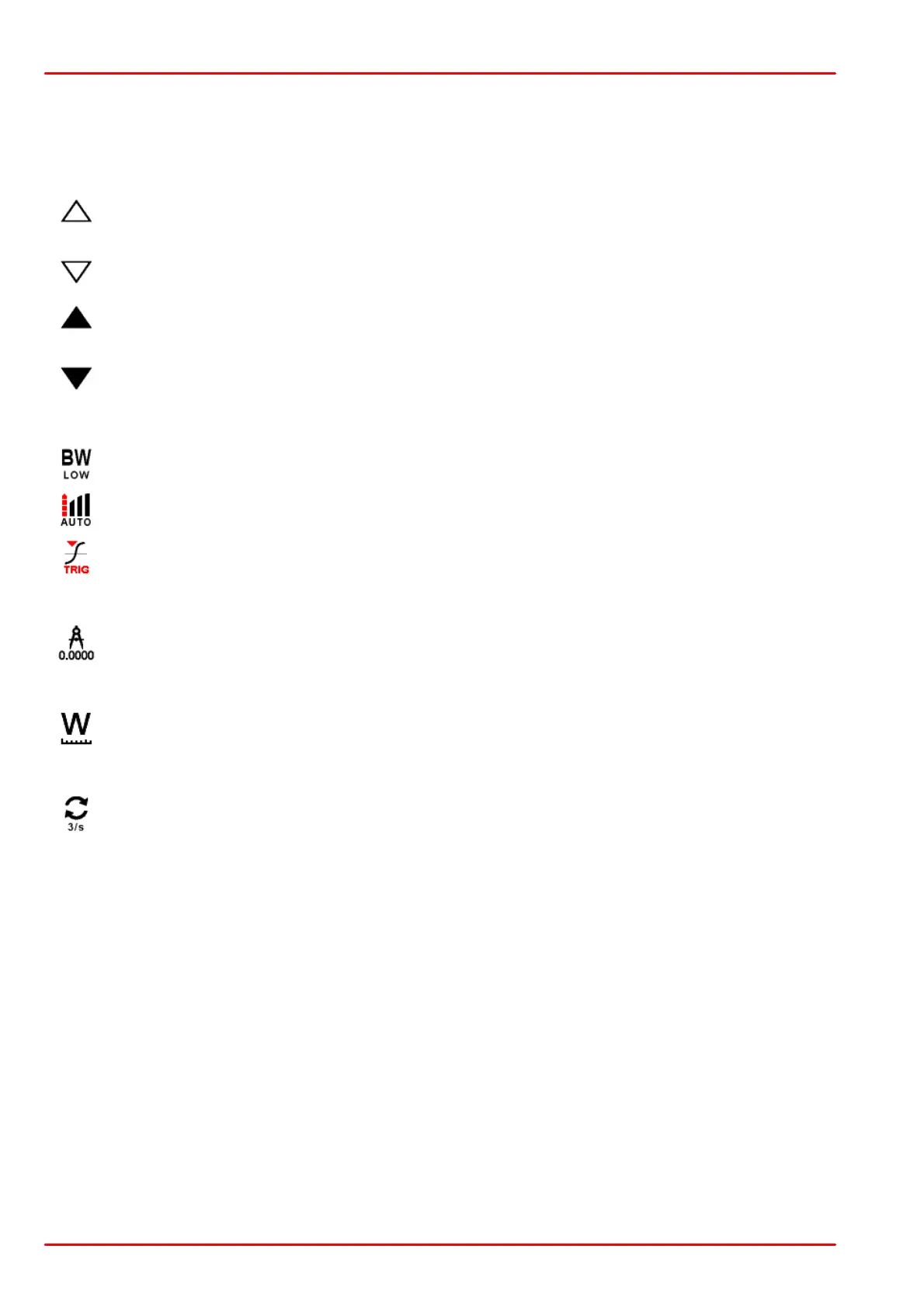
When AUTO is enabled, the arrows are are shown in outlines.
To switch from AUTO to manual, either tap on the measurement unit ("mW") or on one
of the arrows. When MANUAL is enabled, the arrows are are shown filled.
Sensor Specific Settings
Depending on the detected sensor, the icon in the upper right corner allows to set spe-
cific features: Bandwidth setting (Photodiode sensors), Acceleration setting (Thermal
sensors) and Trigger level (Pyro-electric Energy sensors)
Resolution of the Numeric Measurement Results
The Display Resolution can be set to 3, 4 or 5 significant digits.
Measurement Units
Toggles between linear and logarithmic representation of the measurement results.
Display Update Rate
The Display Update Rate can be set to 10, 3 of 1 update per second.



 To Next Page