© 2017 Thorlabs GmbH
3 Operating Instruction
21
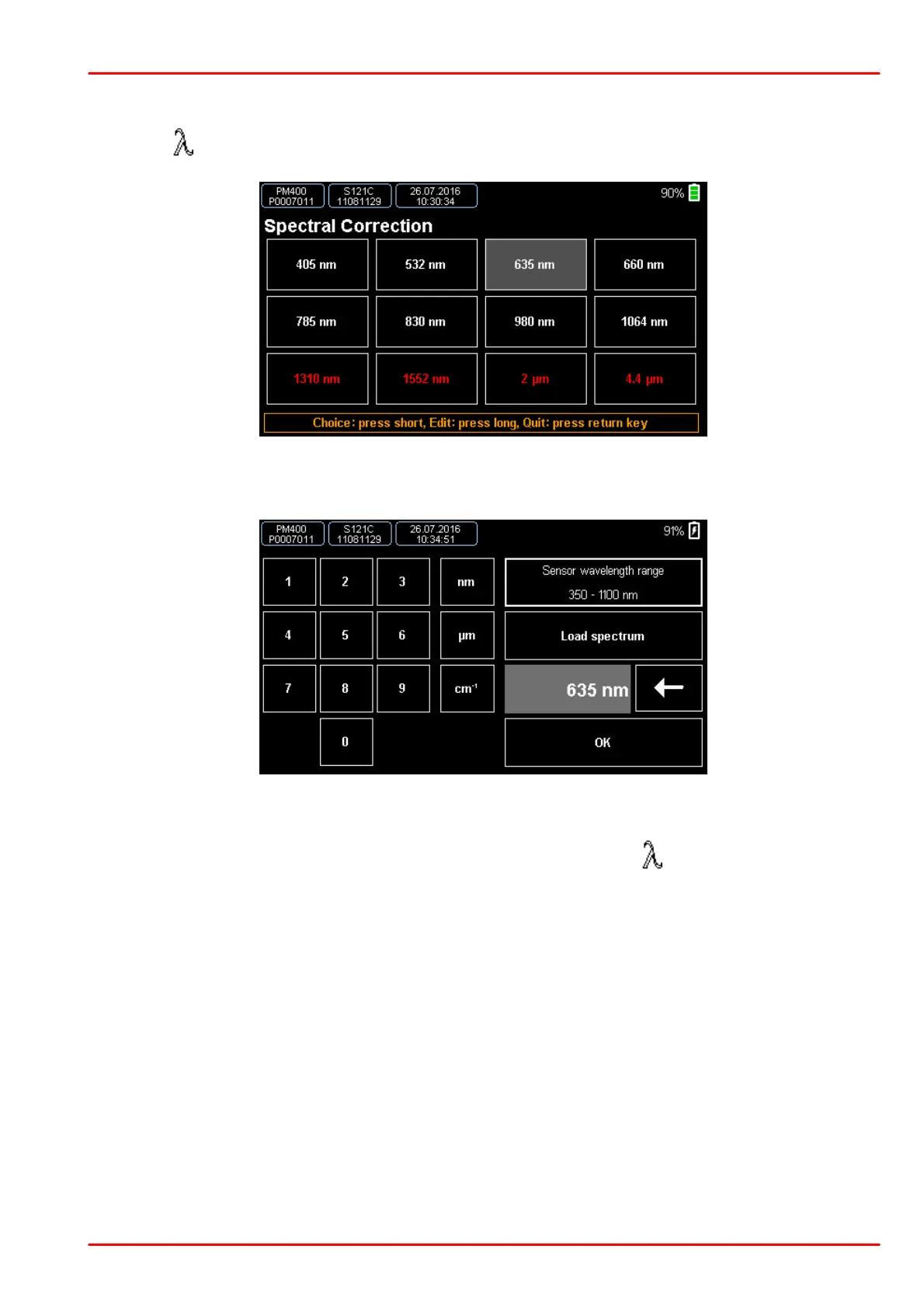
3.3 Spectral Correction
Press the button to enter the spectral correction menu.
This menu contains 12 entries, all of them are configurable. To edit an entry, press and hold it
for ~ 2 sec. The edit window comes up:
Now you can create an entry in either nanometers, micrometers or wavenumber or to load a
light spectrum curve in .csv format. Confirm and chose your entry
The actual wavelength setting value displays in the field above the button in Needle and Nu-
merical measurement screens.



 To Next Page