© 2017 Thorlabs GmbH30
PM400
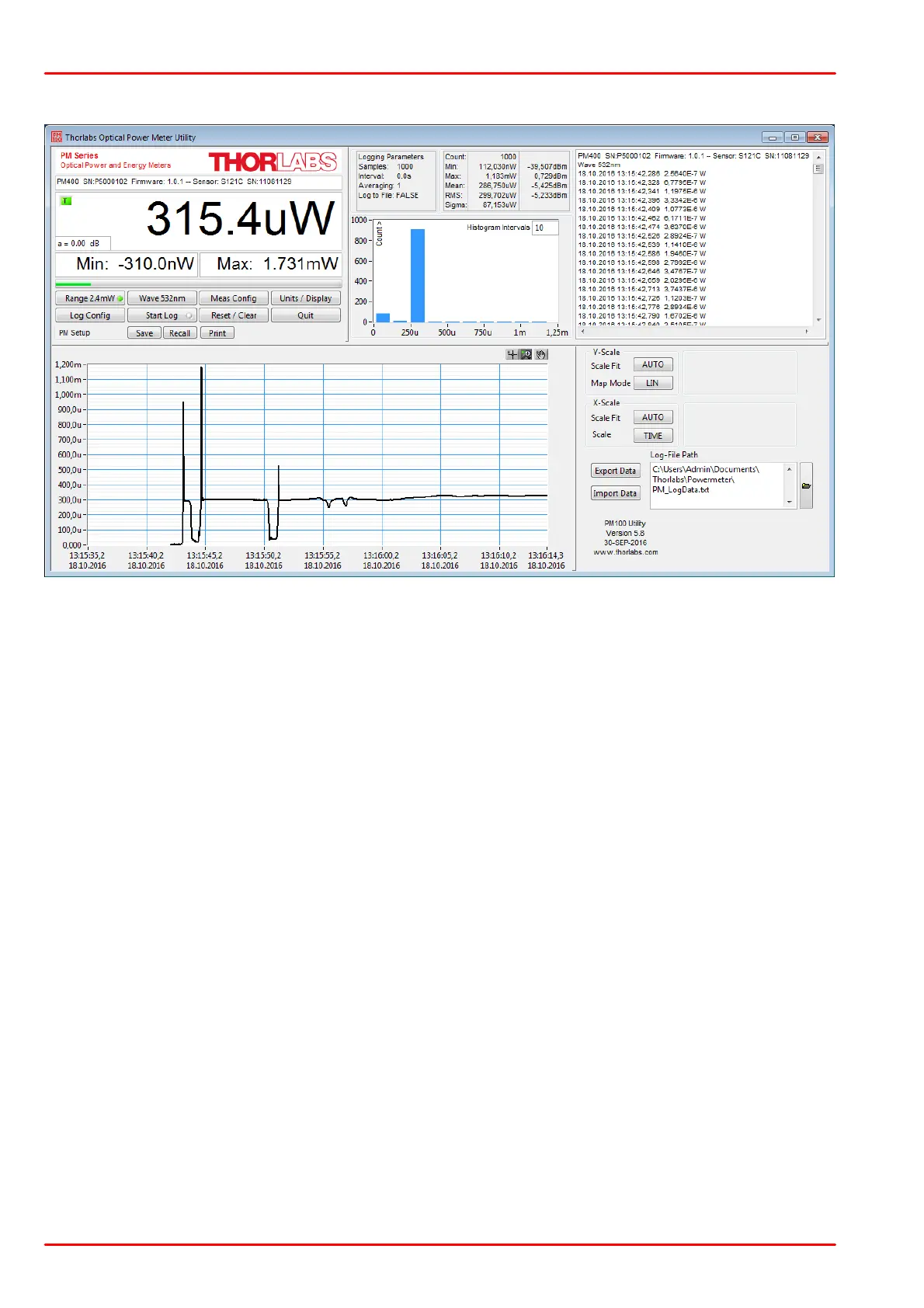
Front Panel
Description of the Front Panel Elements
This indicator shows the device setup:
- console type (PM400)
- serial number of the console
- sensor type
- sensor serial number
The display has a configurable display resolution. Independent
from the measurement range the display always has the full num-
ber of the selected digits.
To achieve best AD converter resolution it is necessary to set the
measurement range according to the signal to measure.
A trigger indicator shows whether the unit is sampling data ‘A’ in-
dicator or a new measurement value gets displayed ‘T’ indicator
and green light.
The display has the following configurable items:
- no display
- maximum value - sampling until reset
- ratio max/min value - sampling until reset
- power or energy density
- alternate unit depending on connected sensor
Available choices depend on the connected sensor
The display has the following configurable items, the possible
choices depend on the connected sensor:
- no display
- minimum value - sampling until reset
- frequency or repetition rate
- temperature
- resistance of temperature sensor



 To Next Page