Basic Operation
OSD FUNCTION
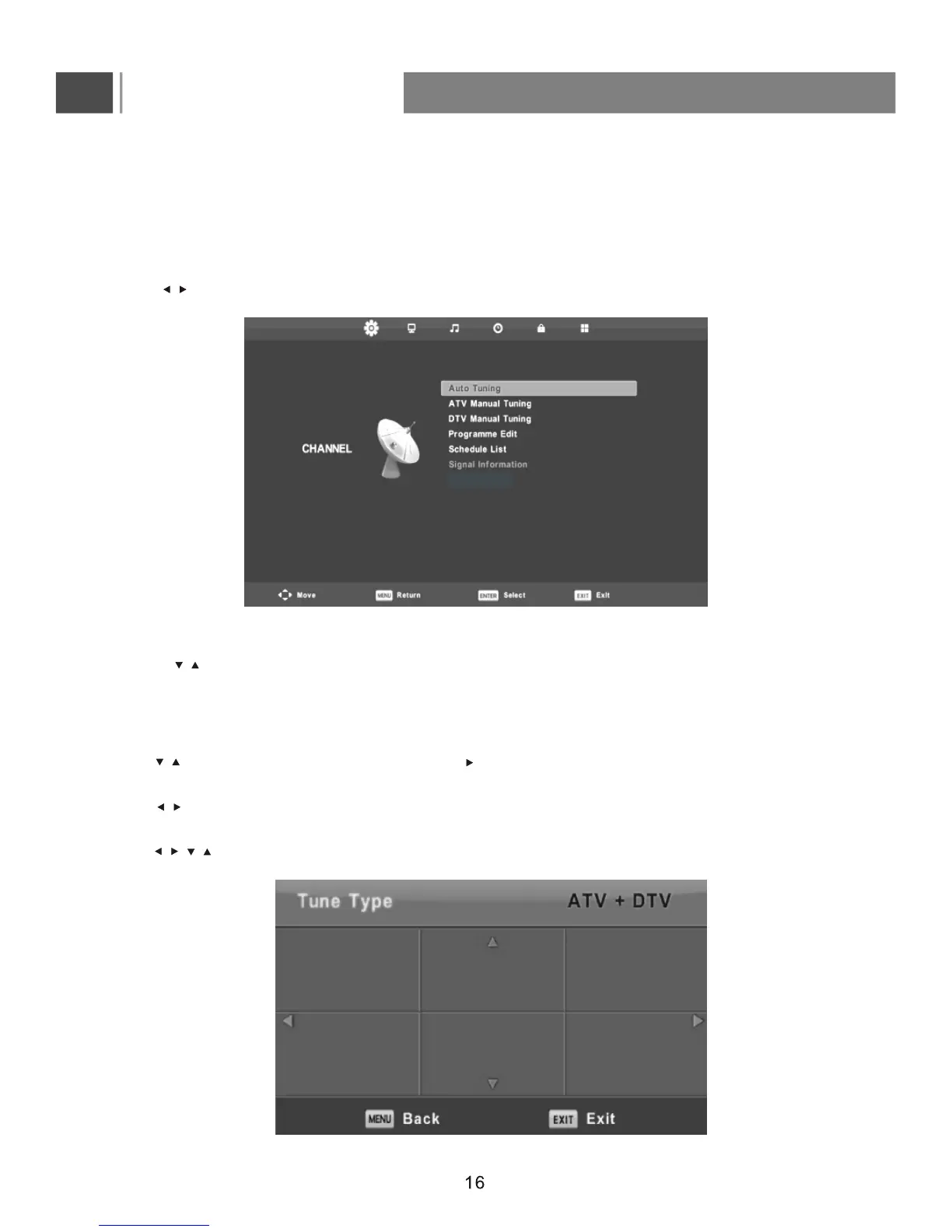
Channel Page menu(Only for DTV/ATV )
The menu is available only in DTV/ATV mode.
Press MENU button to display the main menu.on the remote control
Press button on the remote control to select CHANNEL in the main menu.
Channel Menu
1. Press button on the remote control to select the option that you want to adjust in the CHANNEL menu.
2. Press Enter button on the remote control to adjust.
3. After finishing your adjustment, Press MENU button to save and return back to the previous menu.
Auto Tuning
Press button to select Auto Tuning, then press Enter/ button to enter and select tuner type.
Tuner Type
Press button on the remote control to select tuner type: ATV +DTV, DTV, ATV .
Country
Press button on the remote control
to select country
.
/
/
/
/
/
//
UK France Italy
Australia Germany Portugal


 To Next Page