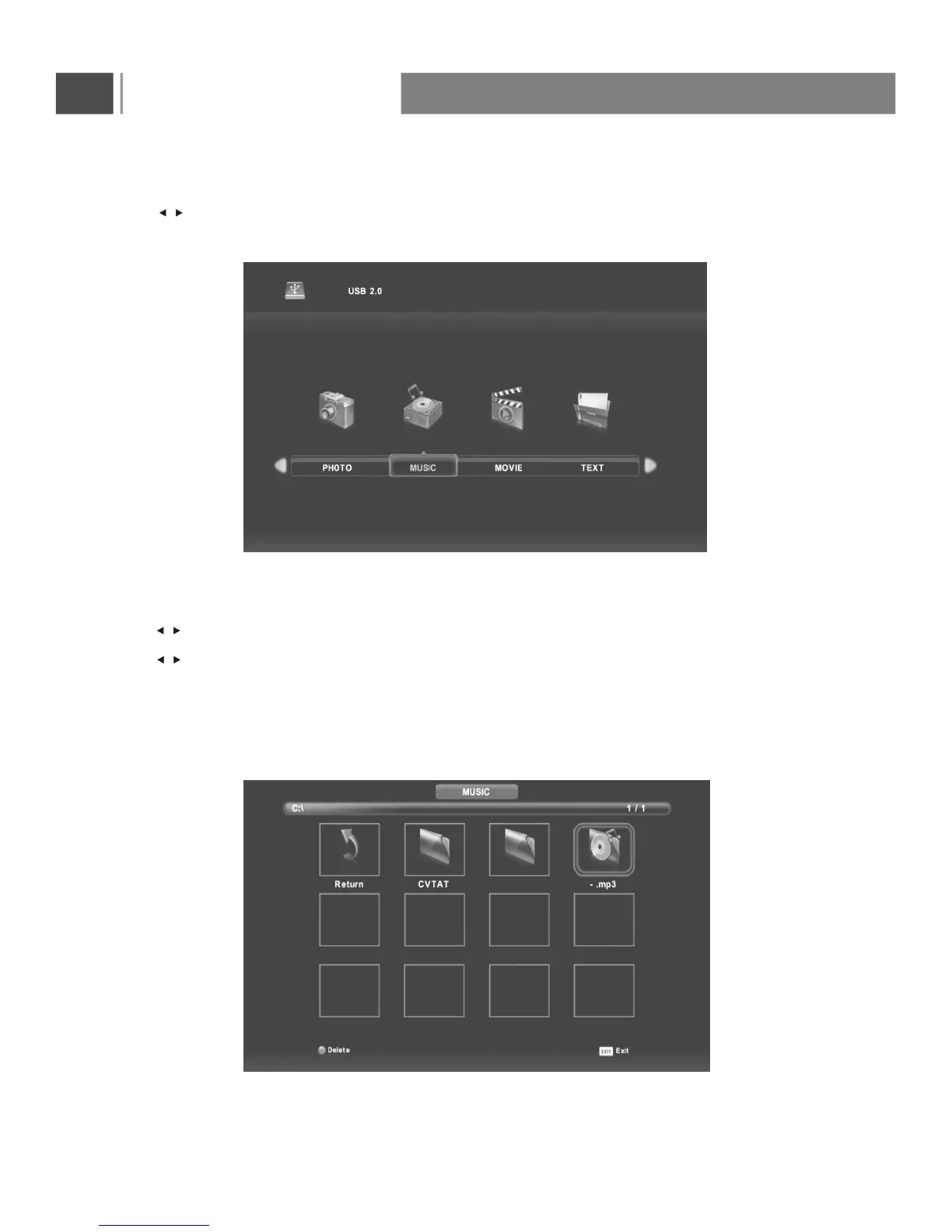
Press button to select MUSIC in the main menu, then press Enter button to enter.
Press menu button to return back to the previous menu and exit menu to quit.
Music Menu
Press button to select drive disk you want to watch, then press Enter button to enter.
Press button to select return option to back to the previous menu.
When highlighting the option you select, the file information will appear on the right and music will be previewed
in the center.
/
/
/
Basic Operation
33


 To Next Page