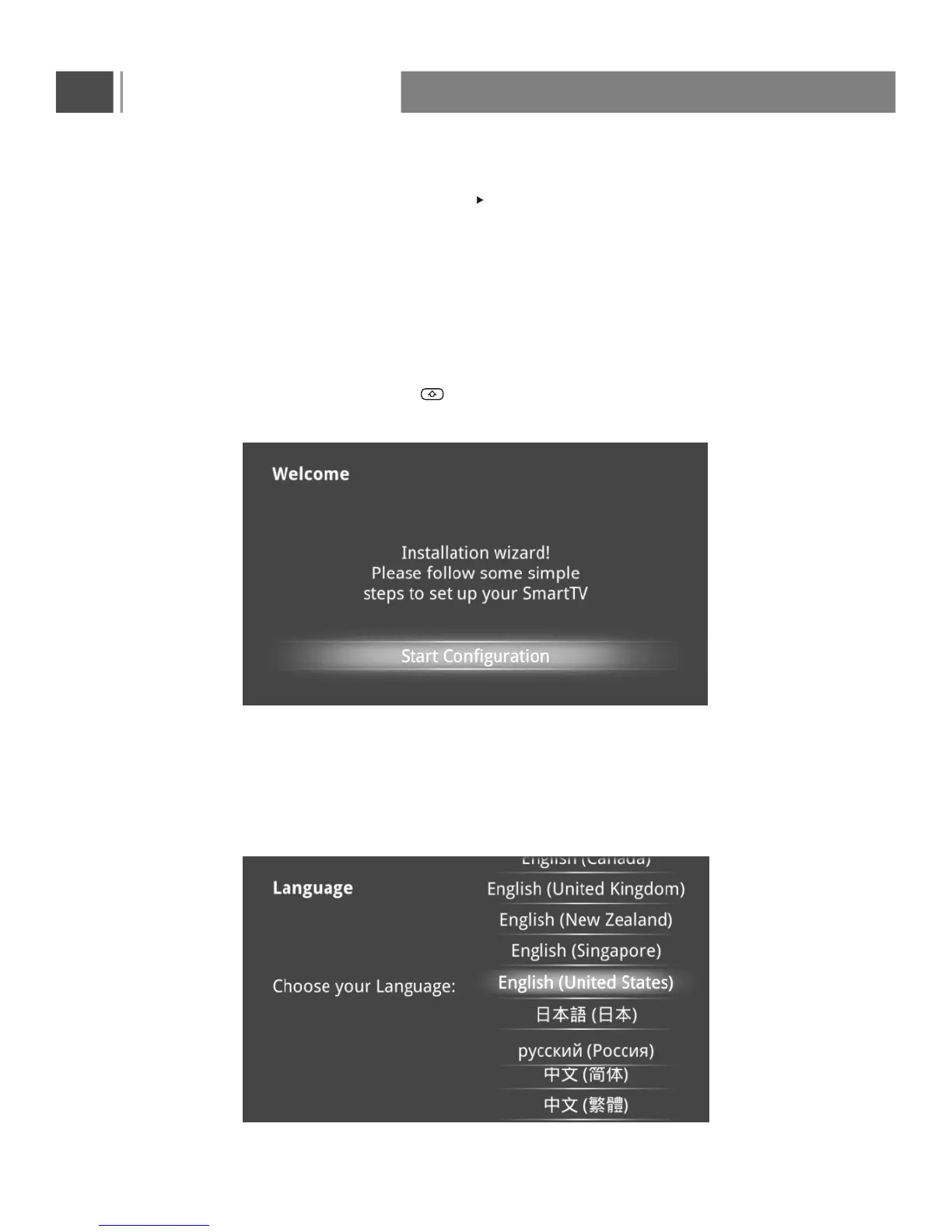
INSTALLING WIZARD
WELCOME PAGE
When the Android Box is first powered up, Welcome Page will be shown. It will help you to configure
Reminder: If you want to skip this wizard, press “ ” key. If you finish this wizard once,
it will not auto-open when
SETUP PAGE
Select Language:
SMART TV
At Input Source menu, choose SMART TV port then press or enter to enter.
the device.
system booted.
Basic Operation
37


 To Next Page