Basic Operation
25
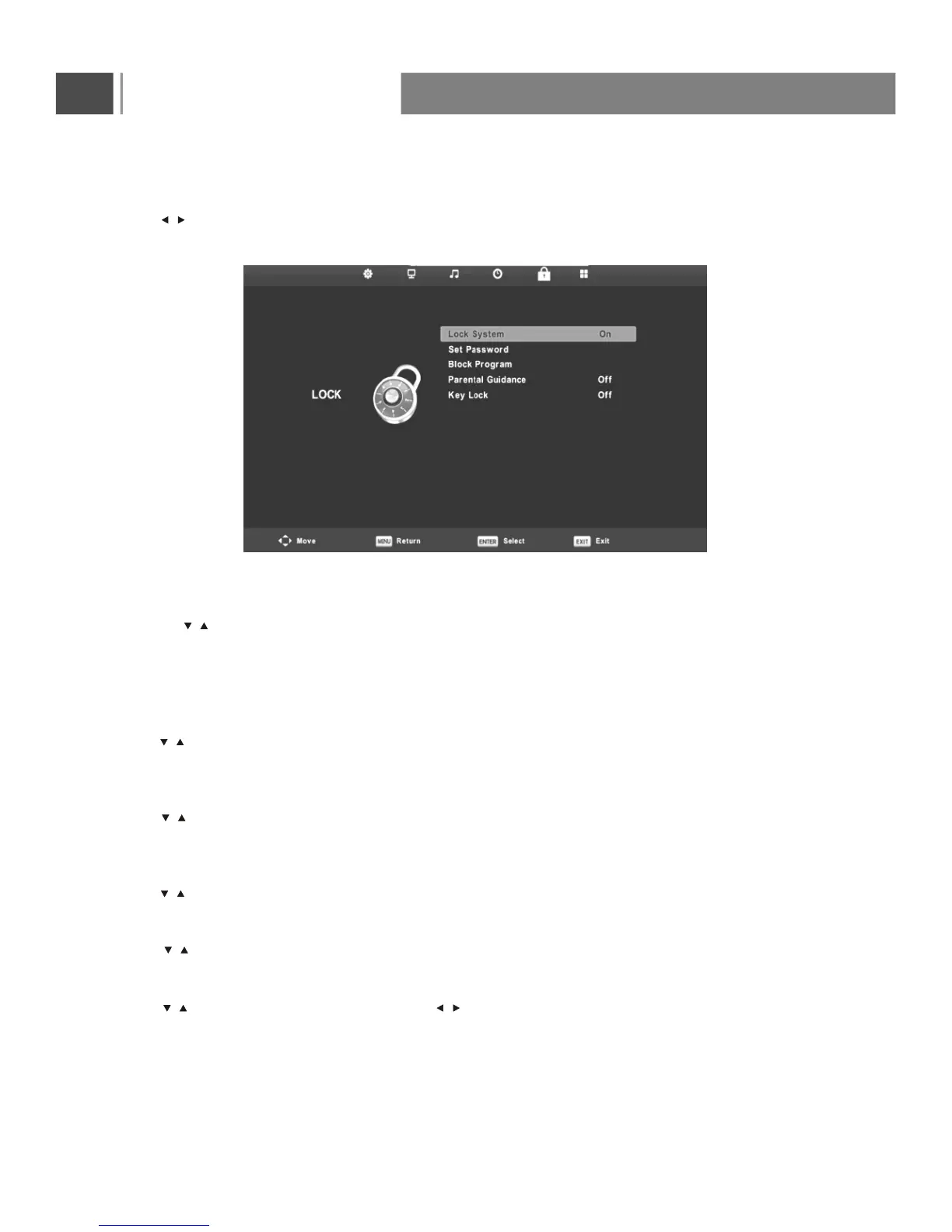
Lock System
Press button to select Lock System, then press Enter button to make the following 3 options valid.
(Default password is “0000”.).
Set Password
Press button to select Set Password, then press Enter button to enter sub-menu to set
new password.
Block Program
Press button to select Block Program, then press Enter button to enter sub-menu to select.
Parental Guidance
Press button to select Parental Guidance, then press Enter button to enter sub-menu to select.
Key Lock
Press button to select Key Lock, then press button to select Off or On.
,
,
When Key Lock s statue is on, you can t use the Key panel button.
Lock Menu
Press MENU button to display the main menu.on the remote control
Press button on the remote control to select Lock in the main menu.
1. Press button on the remote control to select system lock in the Lock menu.
2. Press Enter button on the remote control to enter the sub-menu.
3. After finishing your adjustment, Press MENU
Button to save and return back to the previous
menu.
/
/
/
/
/
/
/
/



 To Next Page