Basic Operation
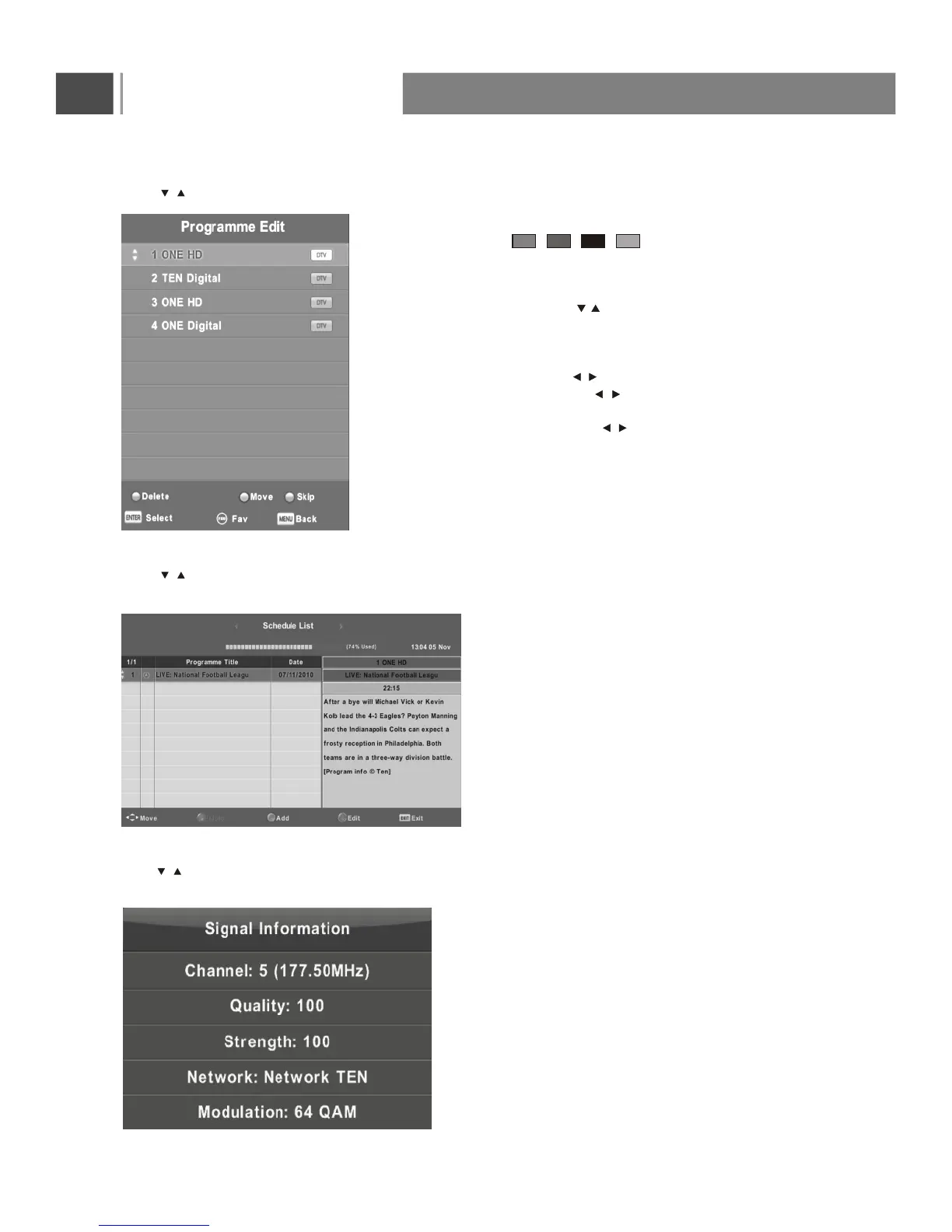
Program Edit
Press button to select Program Edit, then press Enter button to enter sub-menu.
Signal Information
Press button to select Signal Information, then press the Enter button to see the detail information
about the signal.
Only available when there is signal under DTV.
The four colored key is the shortcut
key for programming the channel.
First press to highlight the channel you
want to delete or rename or move or skip, then:
Press the Red button to delete the channel.
Press the Green button to enter the rename state,
then press to select the word you want
to change, and to select word.
Press the Yellow button to set the channel to moving
state. then press to move it to the position
you want to put.
Press the Blue button to skip the select channel.
(Your TV set will skip the channel automatically
when using CH+/- to view the channels.)
Fav Add or Remote the channel to your favorite list.
Schedule List
Press button to select Schedule List, then press Enter button to enter sub-menu.
It is available under DTV source.
/
/
/
/
/
/
/
19



 To Next Page