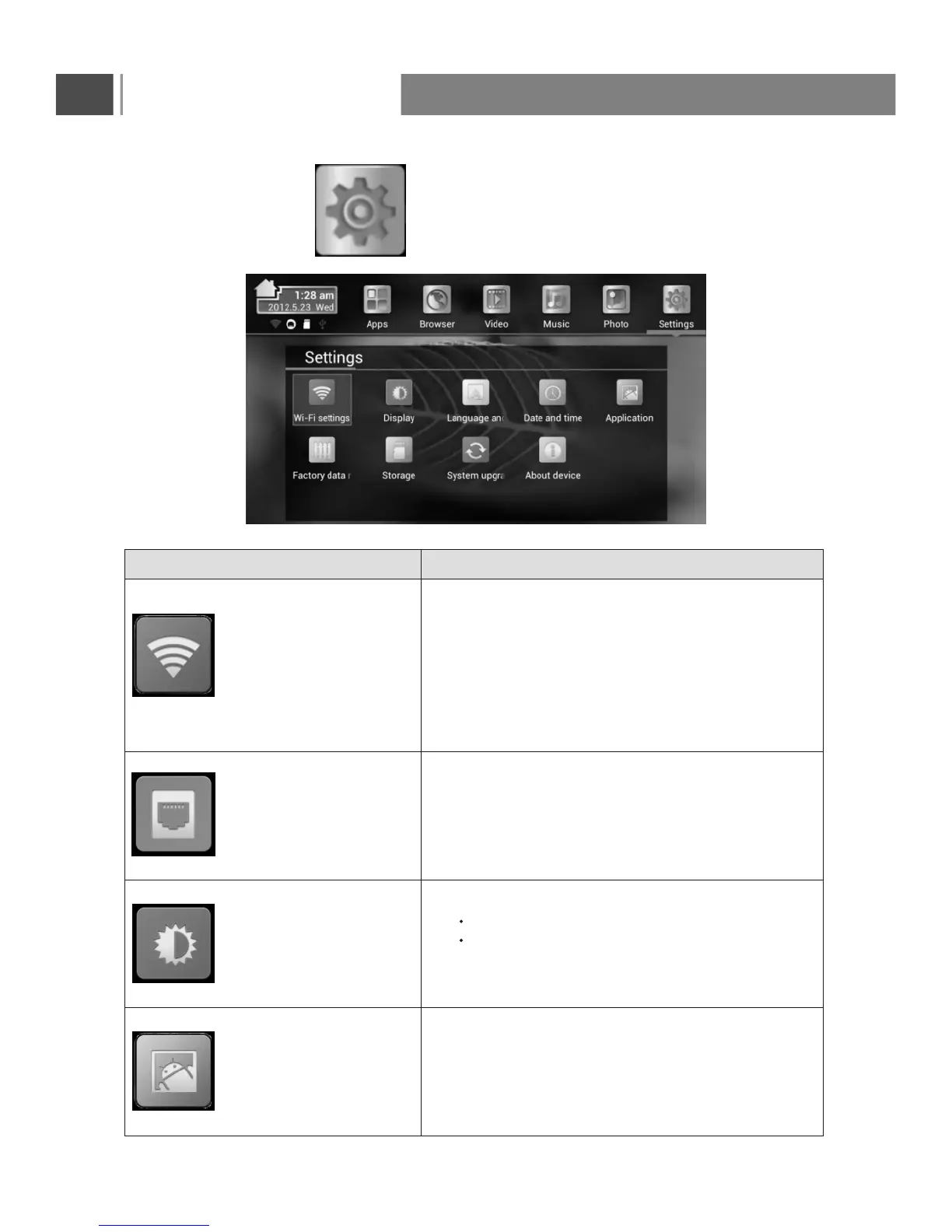
SETTINGS
Setup settings
Brief description
Wi-Fi settings
Turn on/offWi-Fi
Check to receivean notificaitonwhen an open
Wi-Finetwork isavailable
Set whether to keep Wi-Fi on during sleep
MAC/IP address
network by entering its SSID (the name it
broadcasts) and security type
Ethernet
*(Only for devices with
Rj45 interface)
Check to turn on Ethernet so you can connect
to Ethernet networks
Configure Ethernet devices
Display
Application
Output mode:
1080p
720p
Set your display overscan ratio
Set font size
Downloaded
On SD card
Running
All
Storage use
Basic Operation
47



 To Next Page