Basic Operation
29
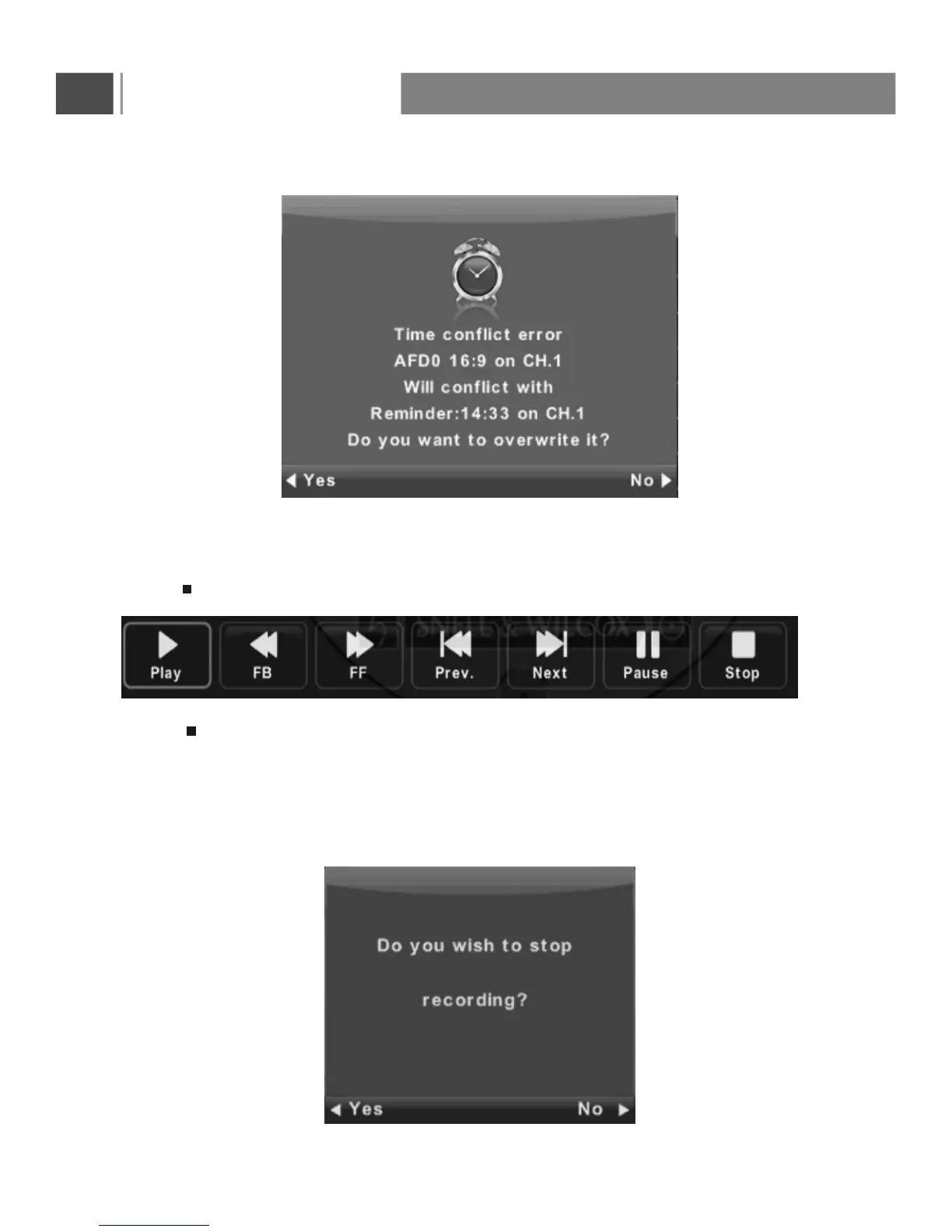
When the time appointment is conflict ,it will produce a warning message.
Record
2. Press button to stop recording, then it will return to normal broadcast television.
3. When the storage space of Disk is shortage. It will produce a warning message, then
it stops recording automatically and return to normal broadcast television.
4. Press index button to see the information of the recorded list .
Press INFO button to see the detail of the program.
1. Press REC button to record the current program.
Press to stop recording.



 To Next Page