Basic Operation
28
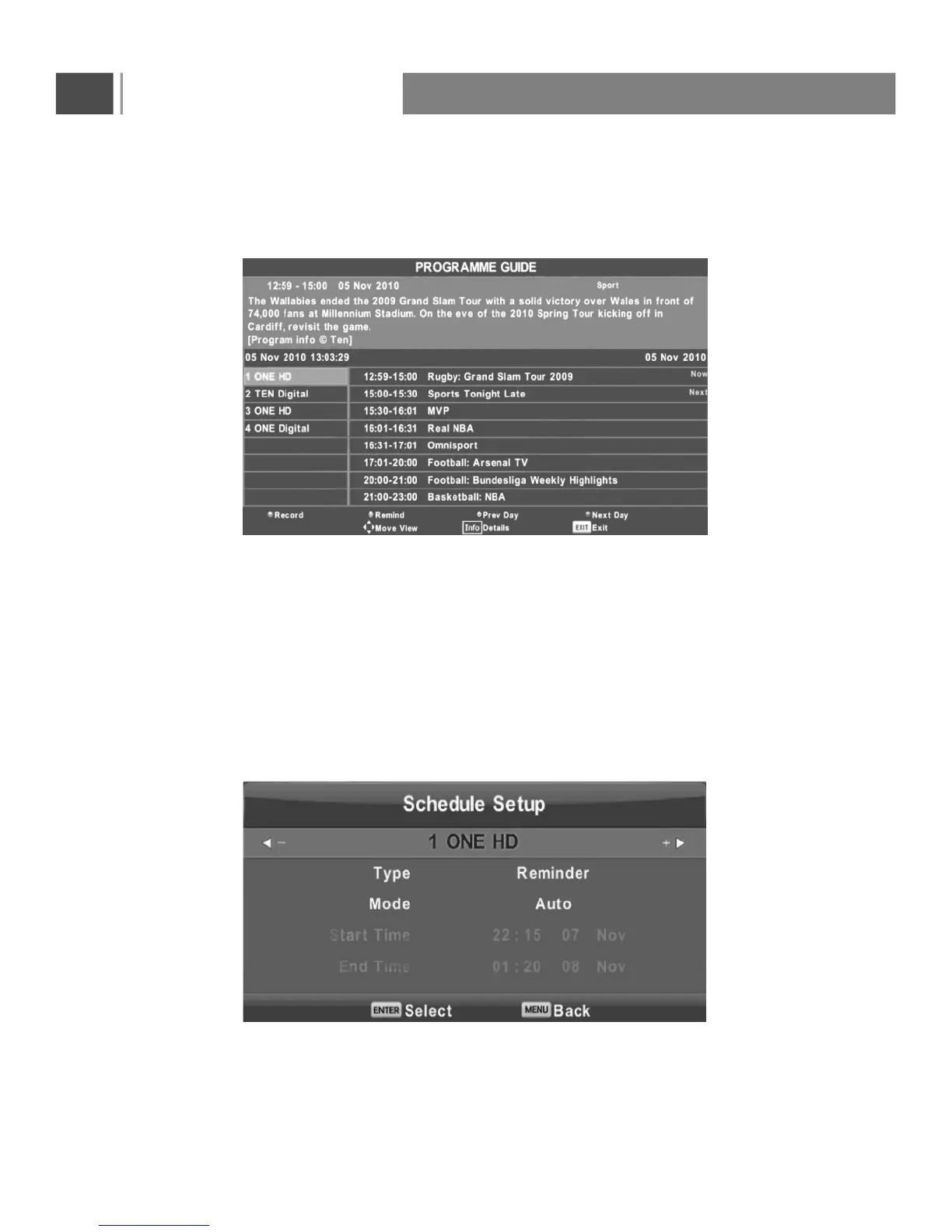
EPG Menu
Press the button EPG in the remote control to enter EPG menu.
Press the button to switch to PVR mode.
Press the button to display the detail information about the program
Press the button to set the pre day information.
Press the button to set the next day information.
RED
You can choose the time of the appointment to record you want.
GREEN
YELLOW
BLUE


 To Next Page