Basic Operation
27
Select
Back Adjust
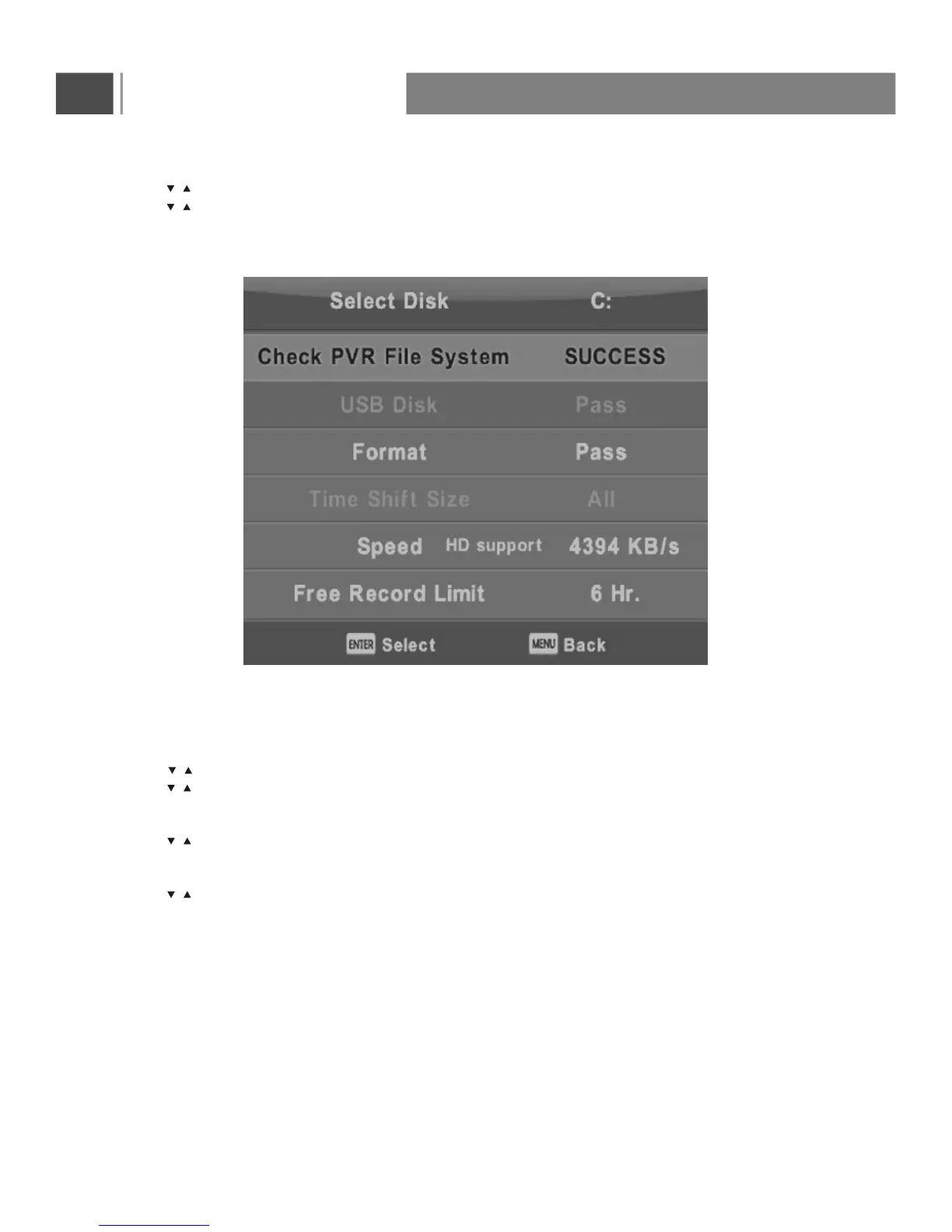
PVR File System
Press button to select PVR File System, then press Enter button to enter sub-menu.
Press button to select Check PVR File System ,
then press Enter button to enter. Then it will check the USB speed.
Aspect Ratio
Press button to select Aspect Ratio, then press Enter button to enter sub-menu.
Press button to select aspect ratio. (Available options are: Auto, 4:3,16:9, Zoom, Stretch).
Blue Screen
Press button to select Blue Screen, then press Enter button to select On or Off.
Reset
Press button to select Reset, then press Enter button to enter sub-menu.
/
/
/
/
/
/



 To Next Page