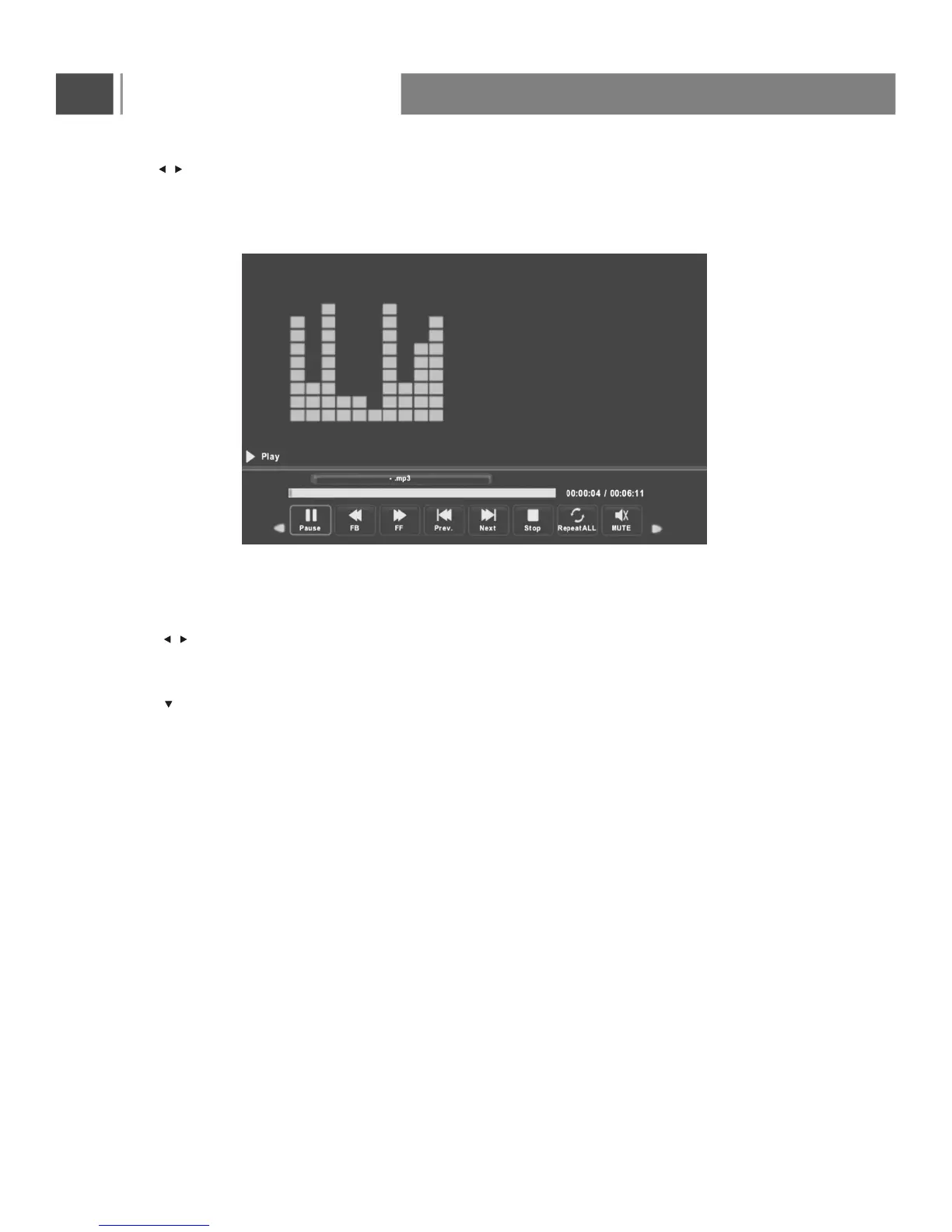
Press button to select menu in the bottom you want to run, then press Enter button to operate.
Press Menu button to back to the previous menu and exit button to quit the entire menu.
Press button to select the file you want to watch in the file selecting menu, then press Enter button to
add the file to playlist, press media button to diaplay and operate file details.
/
/
Press button to hide the menu in the bottom.
Basic Operation
34



 To Next Page