27
Options Menu
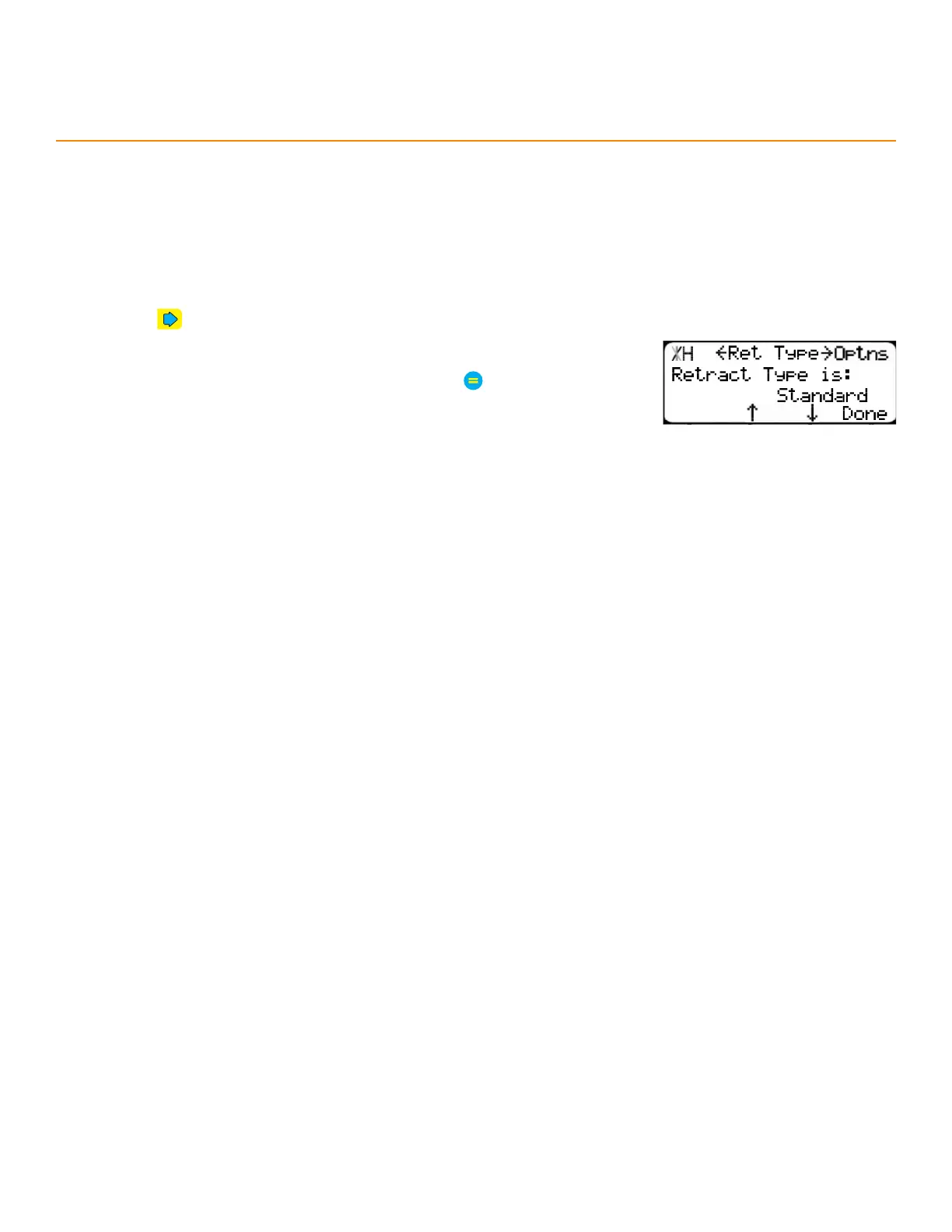
RetRact tyPe
Determines when the TigerStop
®
retracts.
Options:
Standard - Retracts when the material is in position.
DM Only - Retracts when the limit switch opens on the interconnect kit.
1. Press until reaching the Ret Type screen.
2. Press the [↓] or [↑] soft key.
3. Enter the TigerStop
®
’s password and then press
• By default, the TigerStop
®
’s password is the serial number.
4. Press the [↓] or [↑] soft key to select a retract type.


 To Next Page