14
Ready Screen Functions
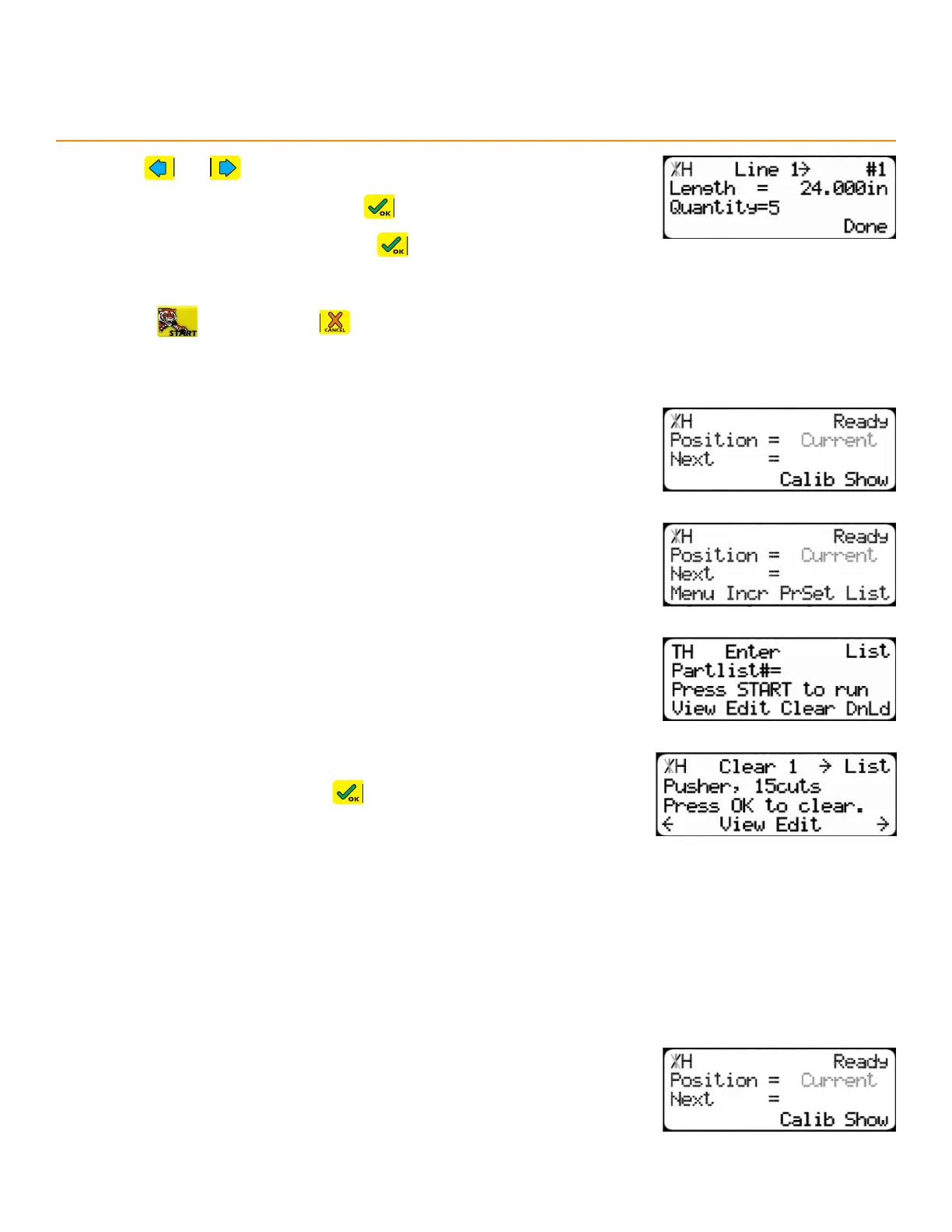
8. Use and to scroll through the parts to find one to edit.
9. Enter a new length and then press
10. Enter a new quantity and then press
11. Press the [Done] soft key to save.
12. Press to run the list or to exit.
dele ting a li St
1. Start at the Ready Screen.
2. Press the [Show] soft key.
3. Press the [List] soft key.
4. Enter the list number to delete and then press the [Clear] soft key.
5. Review the list’s details. Press to confirm deletion.
backboaRd deFecting & oPtimizing
Backboard Defecting & Optimizing is a process that allows quick and easy cutting around material defects
while optimizing the clear stock for better material yield. It is accomplished using a standard Set Point list (page
9), the Dynamic Optimization upgrade, and a Back-Fence Ruler.
Runni n g tHe li St
1. Start at the Ready Screen.
2. Press the [Show] soft key.


 To Next Page