2
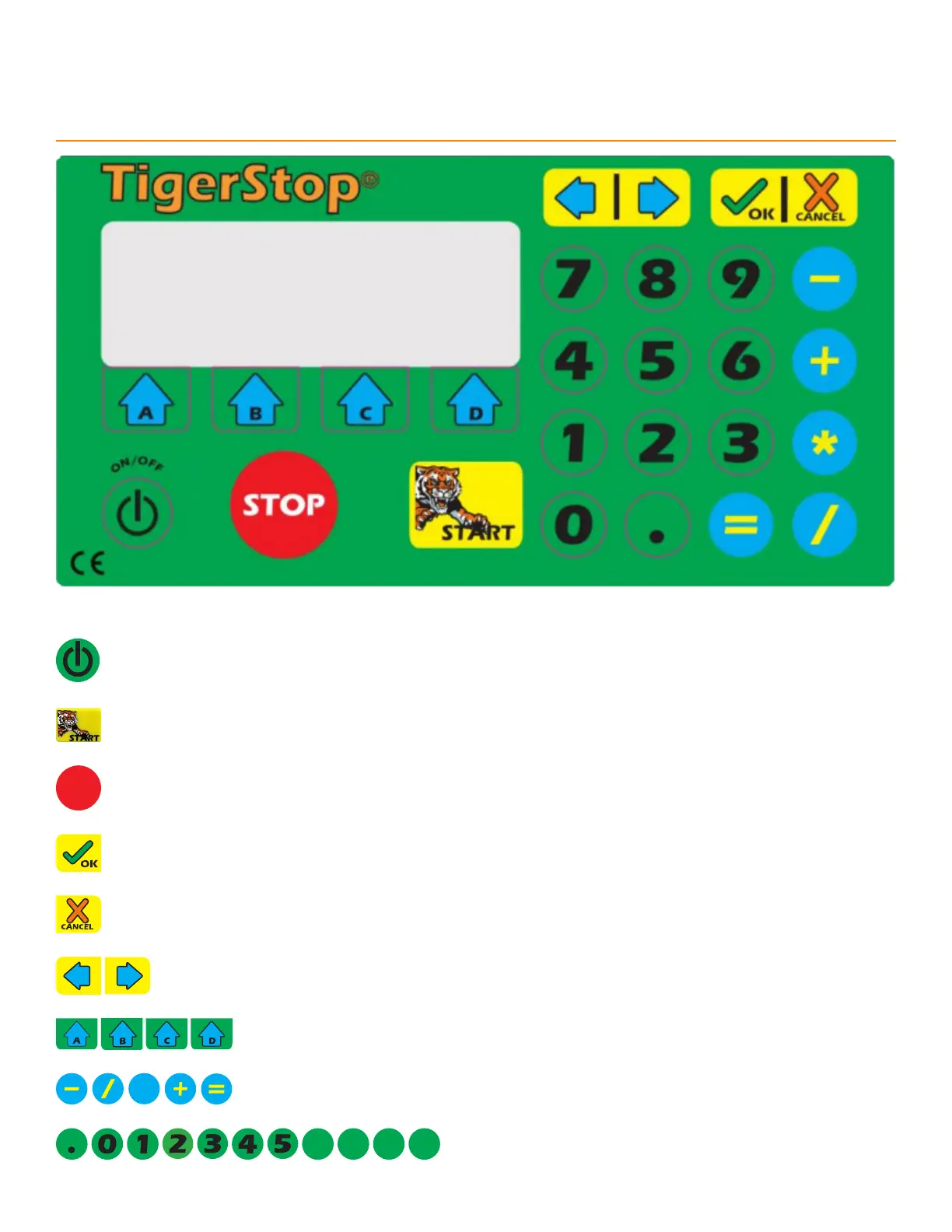
Standard Controller Keypad
Sleep: Puts the Standard Controller to sleep to save energy.
Start: Initiates movement of the TigerStop
®
.
STOP
Stop: Ends the current operation/ceases movement/exits the menu.
OK: Confirms an action/initiates a process.
Clear: Cancels an input/exits the menu or process.
Arrows: Moves the cursor/jogs the TigerStop
®
/navigates menus.
Soft Keys: Executes varied on-screen functions.
Math Keys: Performs basic math functions.
Number Keys: Inputs numerical values.


 To Next Page