2.4 Network Connections
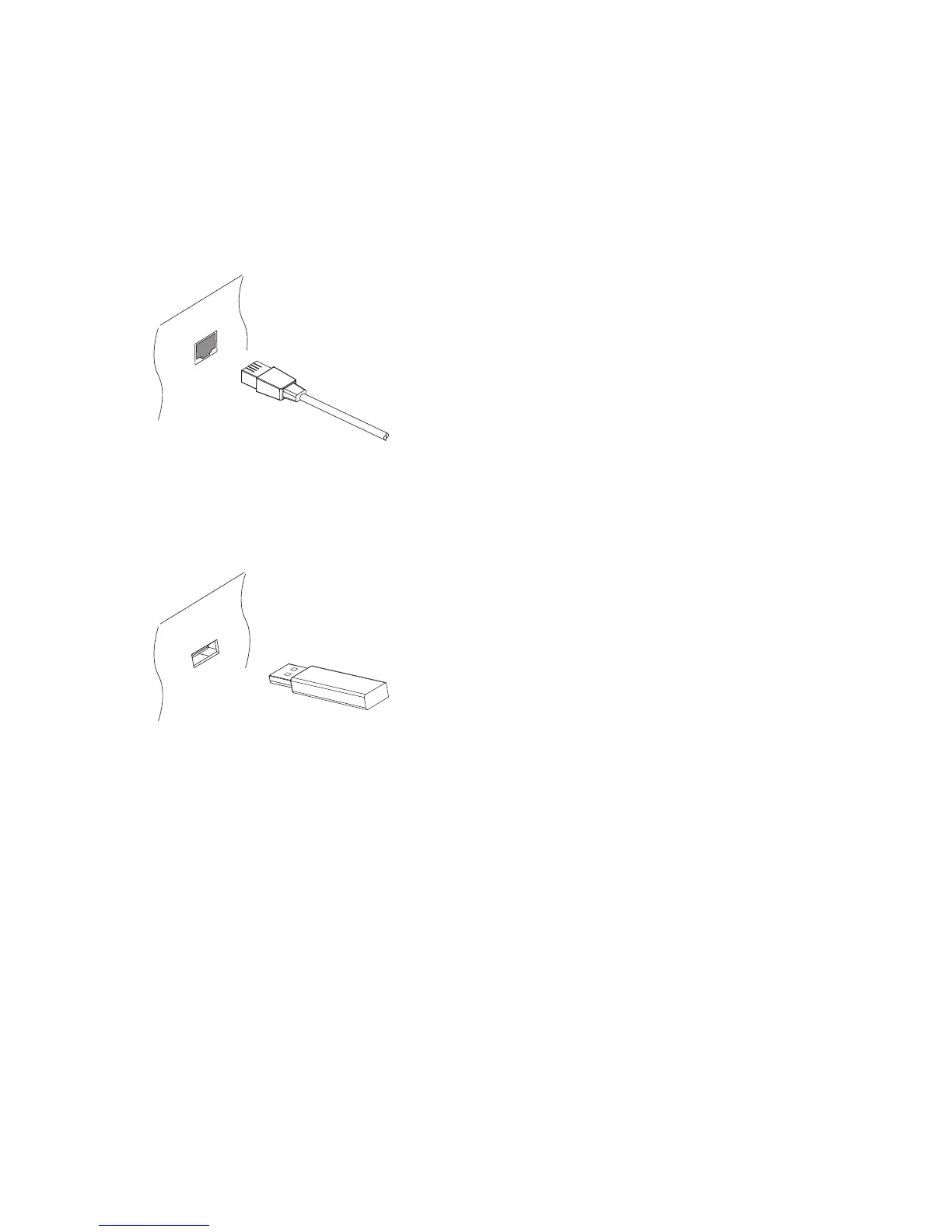
Connect the receiver to the wired or wireless network.
If a network cable is available, connect the receiver’s LAN port to the router
using a network cable.
If no network cable is available, use the Wi-Fi dongle for wireless network
connections. When the receiver is off, plug the Wi-Fi dongle into one of the
USB ports on the rear of the receiver.
For details on how to configure the network settings, see Network Settings
on page 54.
I 13



 To Next Page