Start slideshow: Press the green button. To pause and resume the slide-
show, use the pause button .
Set a photo as wallpaper for radio channels: Press the red button when a
photo is displayed. The photo is displayed while users listen to a radio chan-
nel.
6.5 Playing Music
Select one or more songs using the red button, and then press the OK button
to play them.
Skip to the previous or next song: Press the previous button or the next
button .
Shuffle or repeat playback: Press the red button. Repeatedly pressing the
red button changes the play mode.
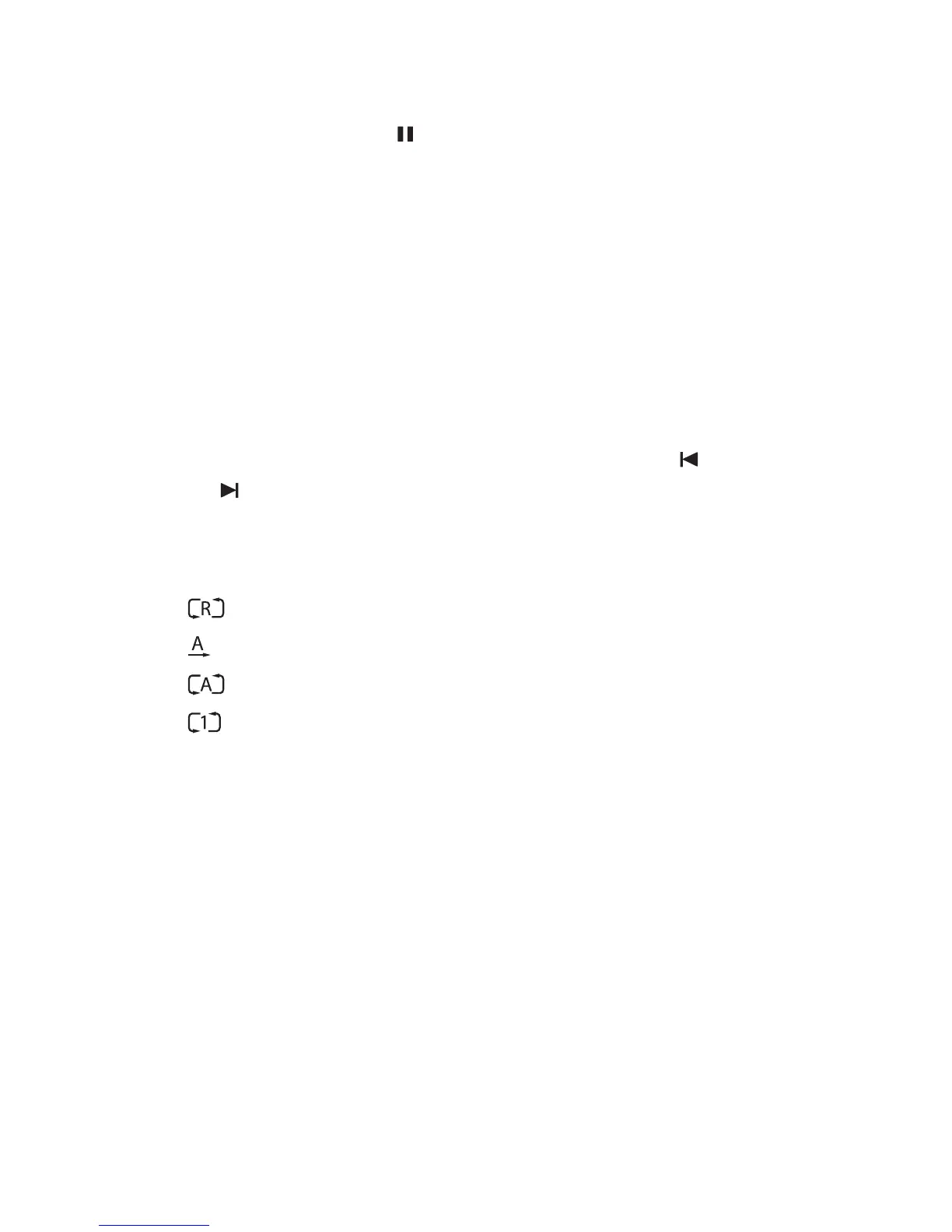
• : Songs are randomly played.
• : Songs are played only once.
• : All songs are repeated.
• : The current song is only repeated.
Add songs to the current playlist: Press the green button. Select more
songs using the red or green button, and then press the yellow button.
Remove a song from the current playlist: Place the focus on a song entry
and press the yellow button.
6.6 Playing Media files from Other Devices
This receiver can play media files from computers or other DLNA-enabled
devices, such as TVs and tablets, connected to the receiver via a network.
For example, when a computer and the receiver is connected to the same
P M F 43



 To Next Page