6 Playing Media Files
This digital TV receiver can play not only TV recordings but also many kinds
of media files, including photos, music, and videos.
6.1 Managing Storage Devices
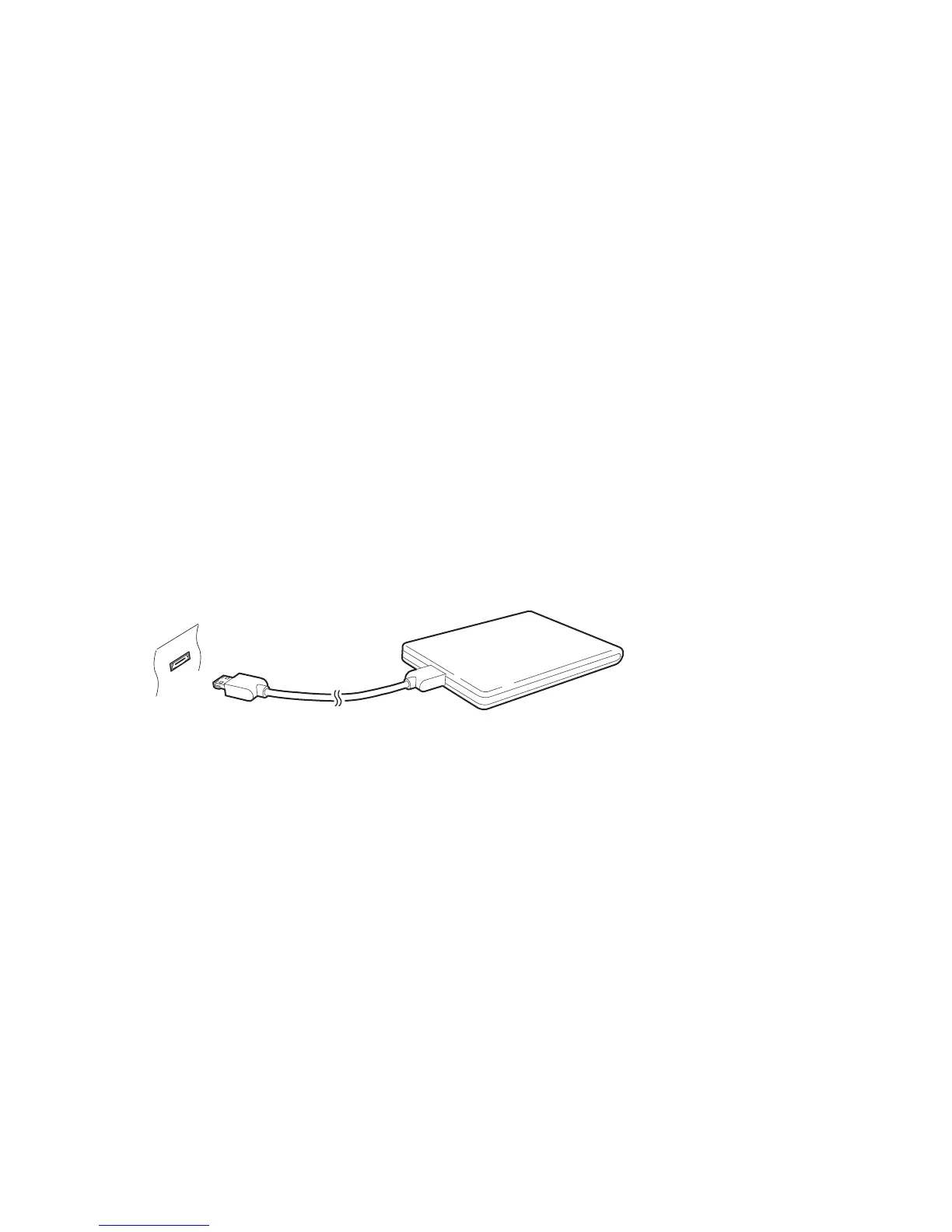
Connect a removable hard drive or flash drive to one of the USB ports on the
front or rear of the receiver.
It is better to use the eSATA connector than USB ports when connecting a
removable hard drive to the receiver, because eSATA transfers data five times
faster than USB 2.0.
To manage the built-in hard drive and removable storage devices connected
to the receiver, open Settings > System Tools > Storage Manager menu.
View a storage device’s state: Choose Current Device and select a storage
device.
Format a storage device: Storage devices must be formatted in FAT32 or
NTFS for use with this receiver. Choose Current Device and select a storage
device. Choose Format, choose File System, and then choose a file system.
Select Format and then confirm to format it.
Test the speed of a storage device: Choose Current Device, select a storage
device, and then press the green button.
39



 To Next Page